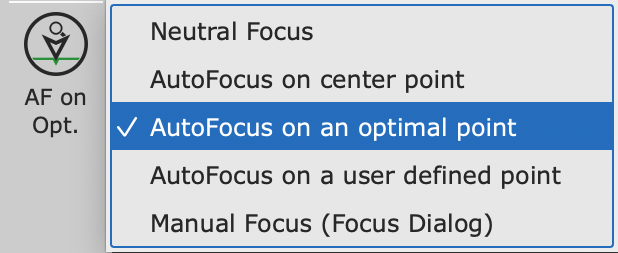
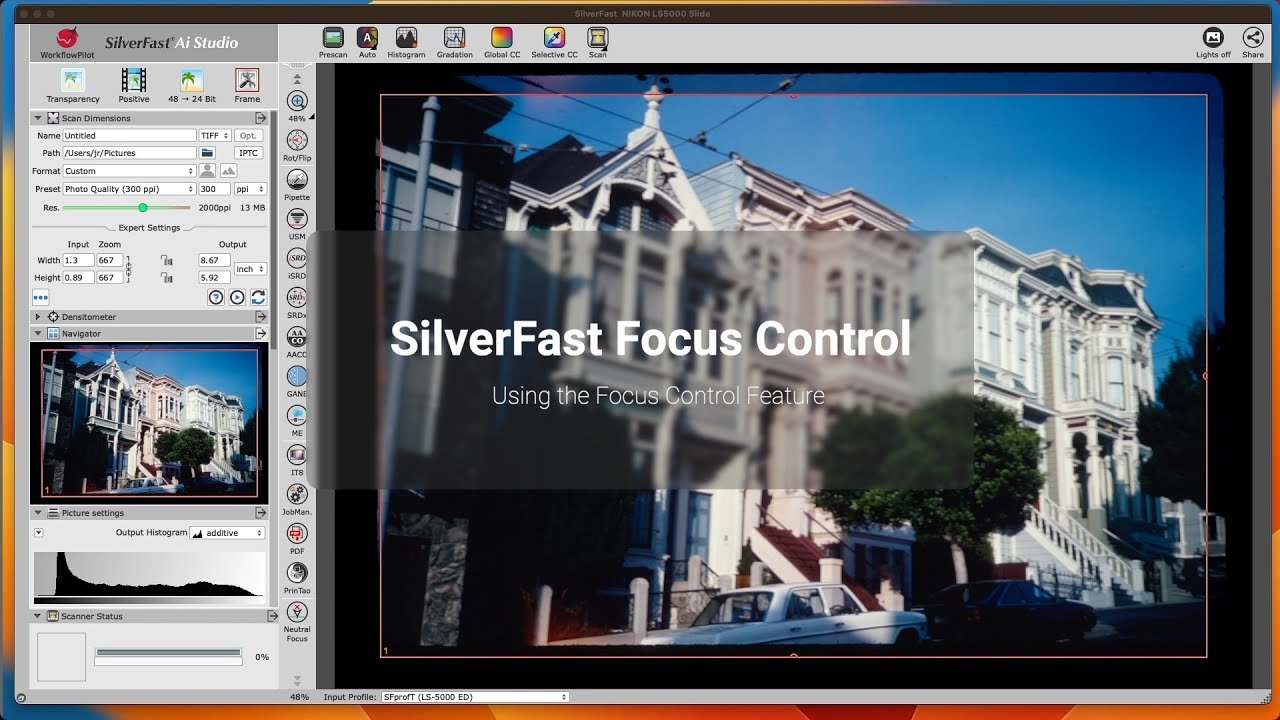
What do you do with a Focus Control?
You don’t need a focus control, if your originals really lie perfectly flat on your flatbed. However, using filmholders slightly lifts your originals, slide mounts are of different thicknesses and also filmstrips inserted to film scanners are not always perfectly flat, the focus can vary from frame to frame. Setting an appropriate focus leads to crisp and sharp images.
A flatbed scanner offering a manual focus control may also be used to digitize certain three-dimensional objects like coins. Using SilverFast’s Focus Control, the focus can be adjusted so precisely that flatbed scanners can also be used for scientific work, such as analyzing bird feathers.
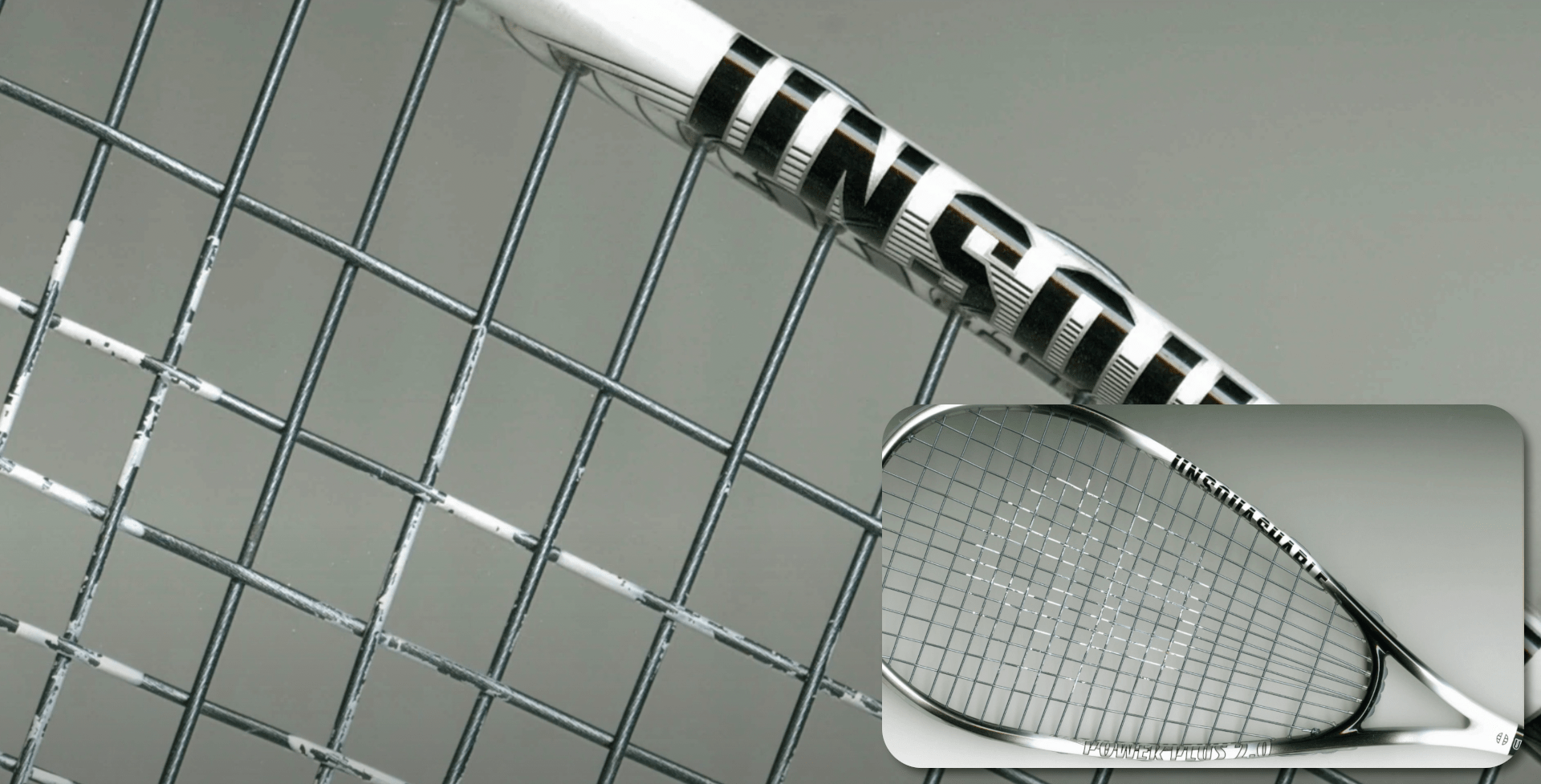
Example: Squash Racket
To illustrate the high performance of our SilverFast Focus Control, a squash racket has been placed directly on the flatbed of the scanner for this example. All details are clearly visible on both the frame and the network of strings.
SilverFast’s depth of field feature and its manual Focus Control enable exceptional scans of 3D objects and thus significantly expand the field of use of scanners that support these features.


 16bit Histogram
 AACO
AACO ACR
ACR Auto IT8 Calibration
 Batch Scanning
 Clone-Tool
 ColorServer
 Descreening
 Expert Mode
 ExpressScan
 Focus Control
 Frame Detection
 GANE
GANE GCC
GCC HDRiRAW
 Help Videos
 Image Automatic
 Image to Web
 iSRD
iSRD JobManager
 JobMonitor
 Kodachrome Mode
 LAB Format
 Multi-Exposure
 Multi-Tasking
 Multiple Densitometer
 NegaFix
 Neutral Pipette
 Preview Concept
 PrinTao
 Printer Calibration
 SAC
SAC SC2G
SC2G SCC
SCC SRDx
SRDx USM
USM VLT
VLT WorkflowPilot