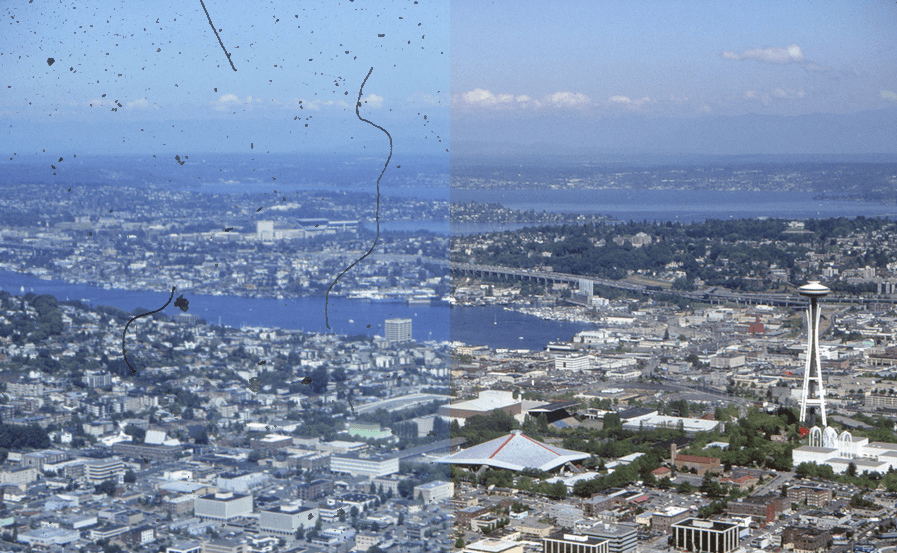
Kodachrome film: With Kodachrome images, an automatic defect detection can be more difficult, since the film emulsion is so dense, particularly in the dark image areas, that infrared light cannot pass through sufficiently. For this reason, for the software dark image area does not differ from dust or other dirt particles. SilverFast’s iSRD Dust and Scratch Removal has been specially adapted for Kodachrome film to take this into account. The Kodachrome optimized iSRD engine is used automatically once the Kodachrome mode is activated. It may be particularly helpful to use a polygon or path mask, as well as the marker and eraser tools included with SilverFast Ai Studio to limit corrections to specific areas of the image.
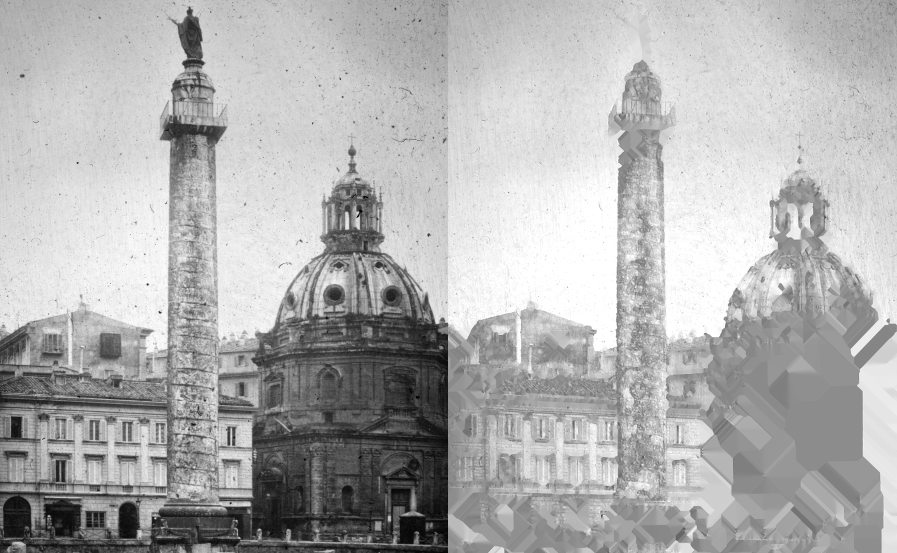
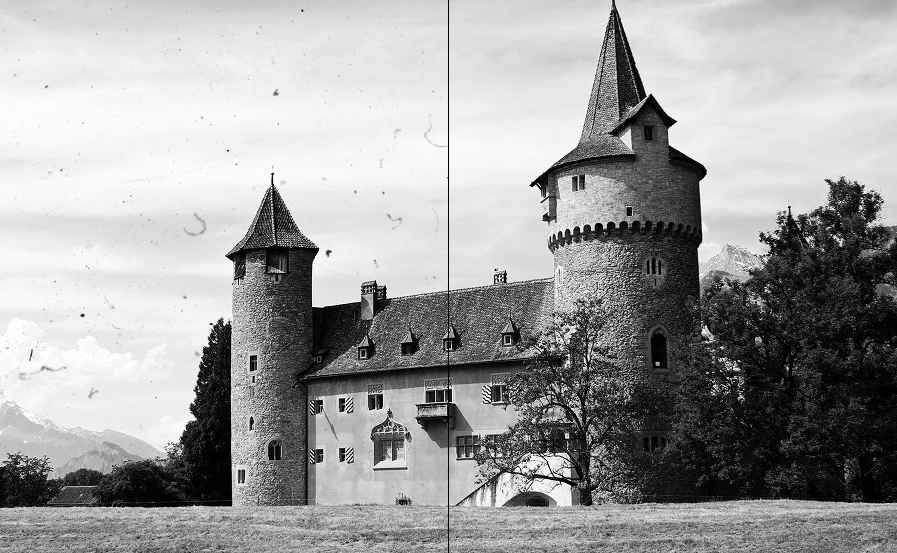
Black and white film: Black and white film is another special case in terms of dust and scratch removal. Unlike color slides or color negatives, the scanner’s infrared rays can not permeate through the film emulsion, due to the silver halide layer contained in the film. This means that infrared based tools like iSRD, ICE, FARE or MagicTouch can not be used here.
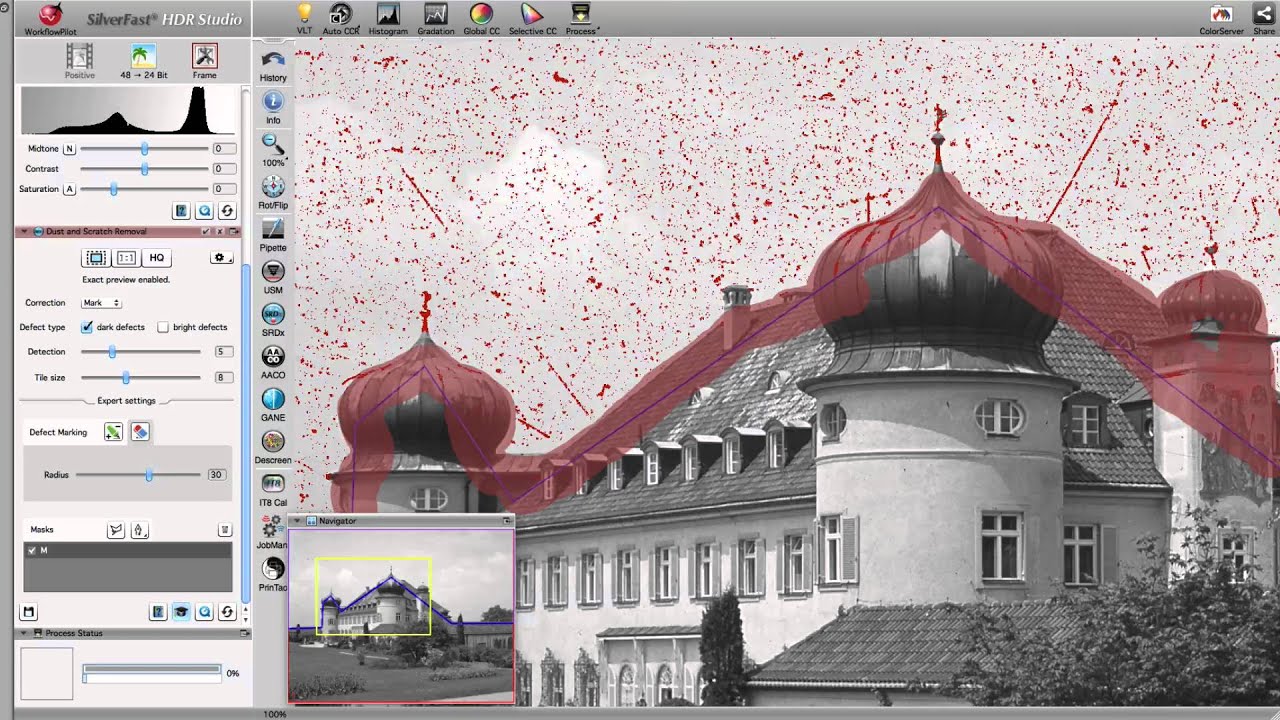
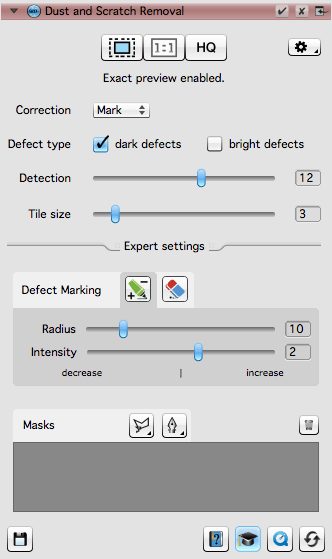
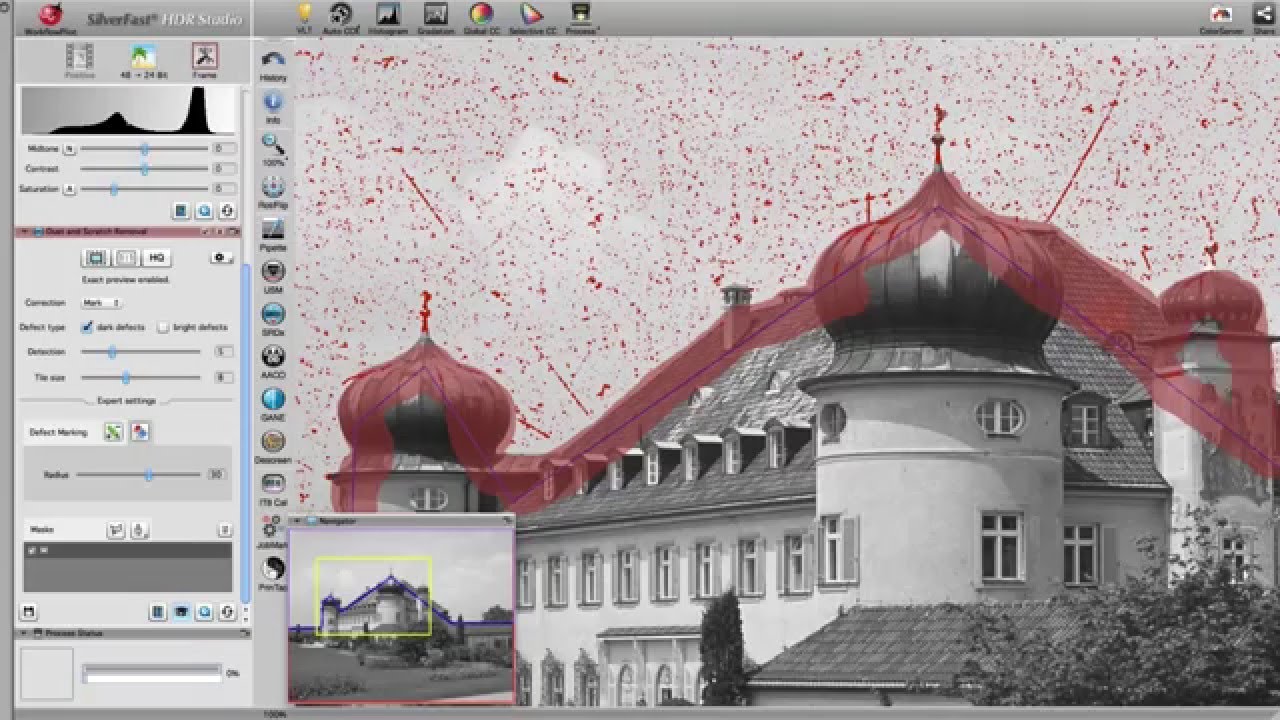
SRDx, our software-based dust and scratch removal, has bee developed especially for black and white film. It ensures effective removal of dust and scratches from black and white film and, in combination with SilverFast iSRD, represents an ideal solution for Kodachromes.


 16bit Histogram
 AACO
AACO ACR
ACR Auto IT8 Calibration
 Batch Scanning
 Clone-Tool
 ColorServer
 Descreening
 Expert Mode
 ExpressScan
 Focus Control
 Frame Detection
 GANE
GANE GCC
GCC HDRiRAW
 Help Videos
 Image Automatic
 Image to Web
 iSRD
iSRD JobManager
 JobMonitor
 Kodachrome Mode
 LAB Format
 Multi-Exposure
 Multi-Tasking
 Multiple Densitometer
 NegaFix
 Neutral Pipette
 Preview Concept
 PrinTao
 Printer Calibration
 SAC
SAC SC2G
SC2G SCC
SCC SRDx
SRDx USM
USM VLT
VLT WorkflowPilot