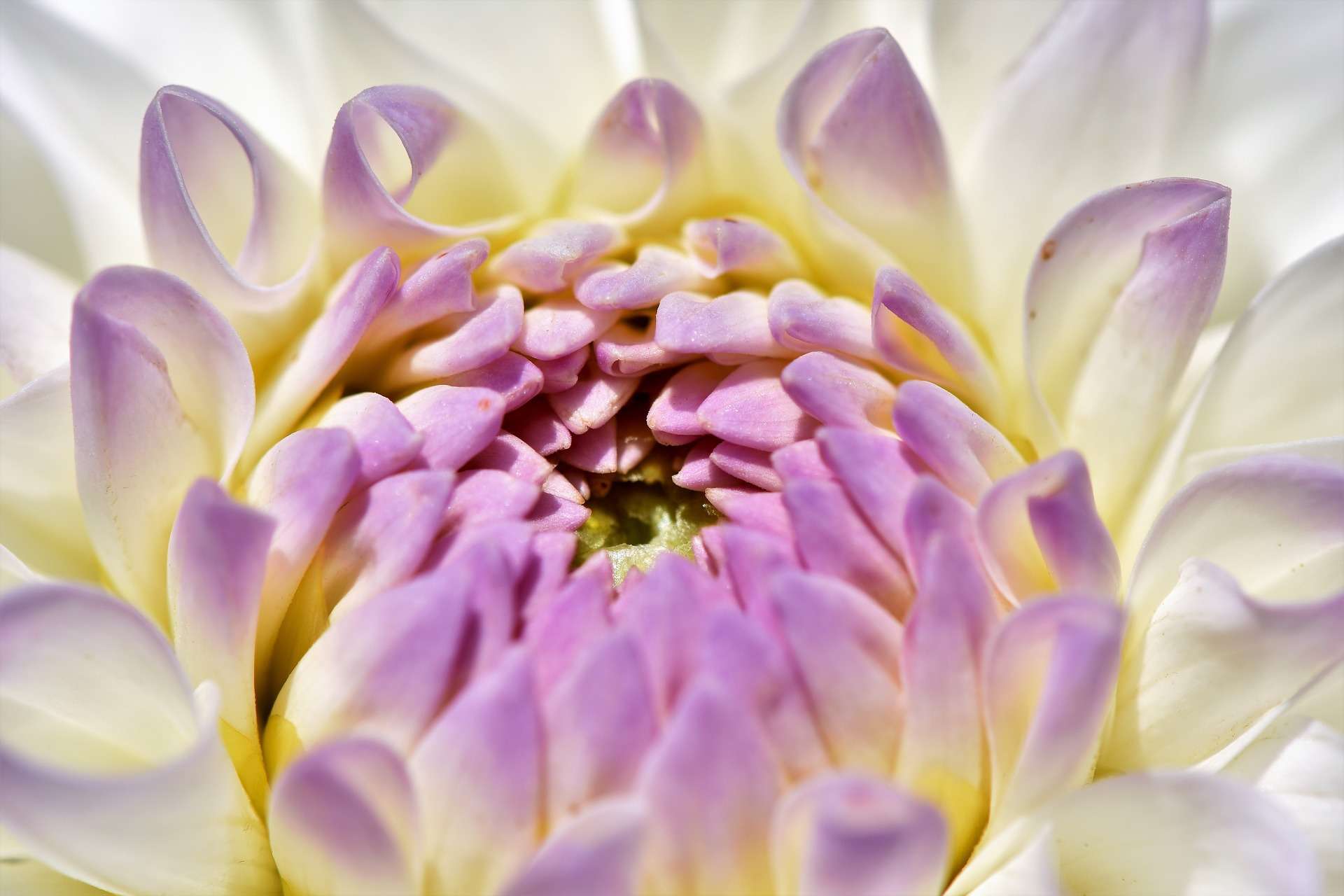
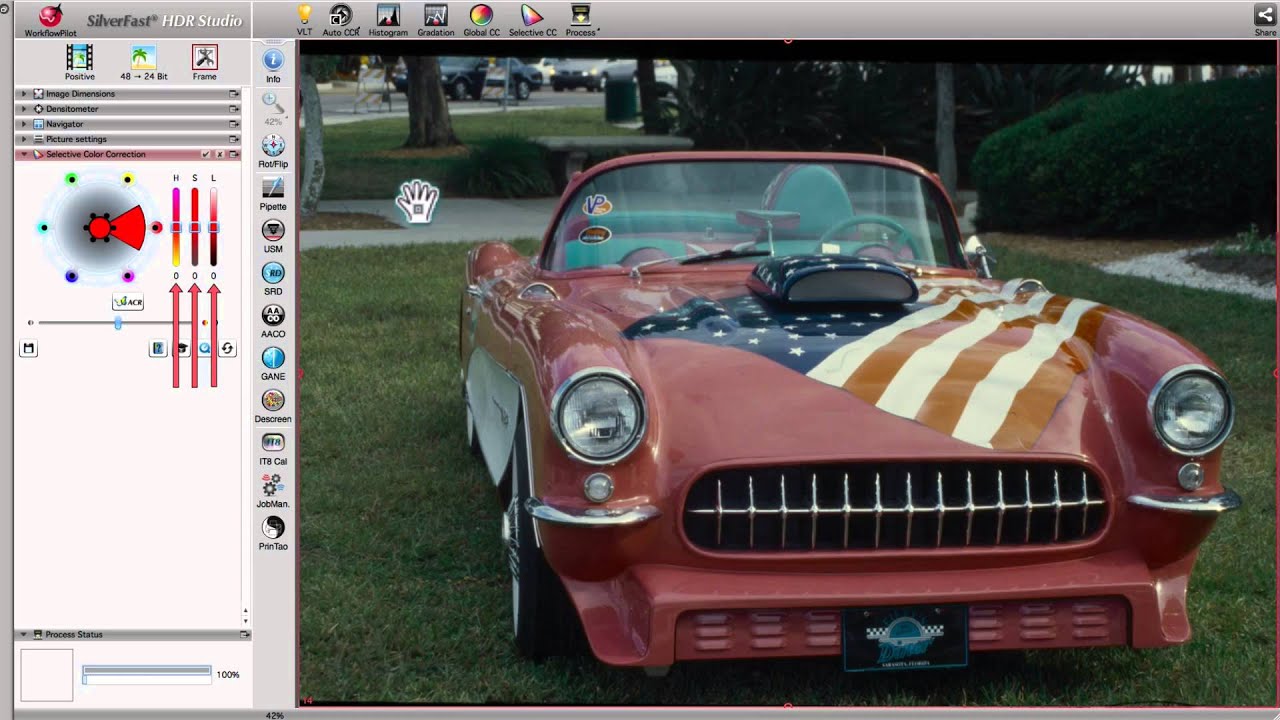
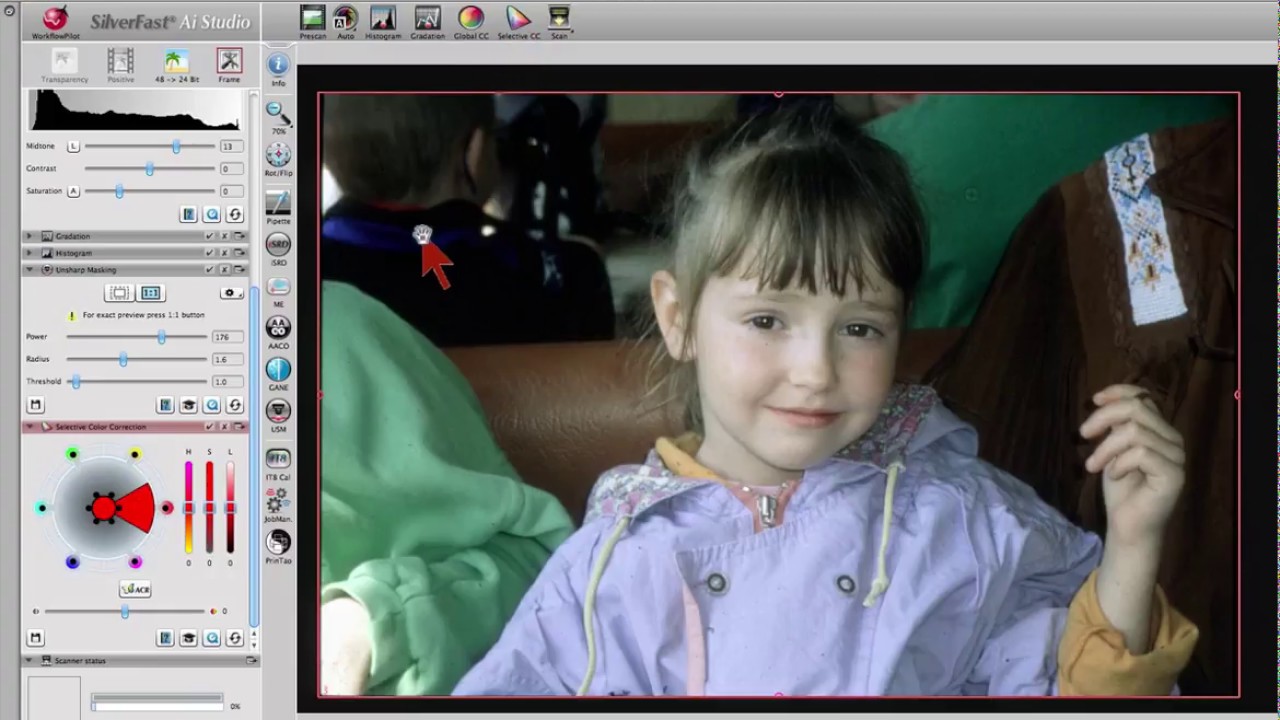
Selective color correction means that a single color is selected and changed specifically, but all other colors remain unchanged. A mouse click in the preview window easily selects the color to be changed: SilverFast’s Selective Color Correction is particularly intuitive. For more complicated color corrections, there is the possibility to use scalable vector masks for independently correcting colors on up to 4 different layers.
Selective Color Correction in SilverFast SE and SE Plus
SCC, the Selective Color Correction is very easy to use in the SE versions of SilverFast. Clicking directly into the preview image will select the color intended to change. From a corresponding menu in the tool dialog, choose that entry which describes the intended color change best (e.g. warmer, lighter or greener). The version of SilverFast SE Plus also provides a slider to adjust the hue.
Selective Color Correction in SilverFast Ai Studio
In SilverFast Ai Studio the Selective Color Correction is different in terms of application and functionality. Firstly, besides the choice of presets, you can also use the color wheel to apply manual color adjustments. Secondly, color corrections can be limited to user defined image areas using vector masks. Corrections can even be performed independently from each other on up to 4 different layers. Thus, different areas of the same color can be provided with different color changes, complex color correction made easy.


 16bit Histogram
 AACO
AACO ACR
ACR Auto IT8 Calibration
 Batch Scanning
 Clone-Tool
 ColorServer
 Descreening
 Expert Mode
 ExpressScan
 Focus Control
 Frame Detection
 GANE
GANE GCC
GCC HDRiRAW
 Help Videos
 Image Automatic
 Image to Web
 iSRD
iSRD JobManager
 JobMonitor
 Kodachrome Mode
 LAB Format
 Multi-Exposure
 Multi-Tasking
 Multiple Densitometer
 NegaFix
 Neutral Pipette
 Preview Concept
 PrinTao
 Printer Calibration
 SAC
SAC SC2G
SC2G SCC
SCC SRDx
SRDx USM
USM VLT
VLT WorkflowPilot