 16bit Histogram
 AACO
AACO ACR
ACR Auto IT8 Calibration
 Batch Scanning
 Clone-Tool
 ColorServer
 Descreening
 Expert Mode
 ExpressScan
 Focus Control
 Frame Detection
 GANE
GANE GCC
GCC HDRiRAW
 Help Videos
 Image Automatic
 Image to Web
 iSRD
iSRD JobManager
 JobMonitor
 Kodachrome Mode
 LAB Format
 Multi-Exposure
 Multi-Tasking
 Multiple Densitometer
 NegaFix
 Neutral Pipette
 Preview Concept
 PrinTao
 Printer Calibration
 SAC
SAC SC2G
SC2G SCC
SCC SRDx
SRDx USM
USM VLT
VLT WorkflowPilot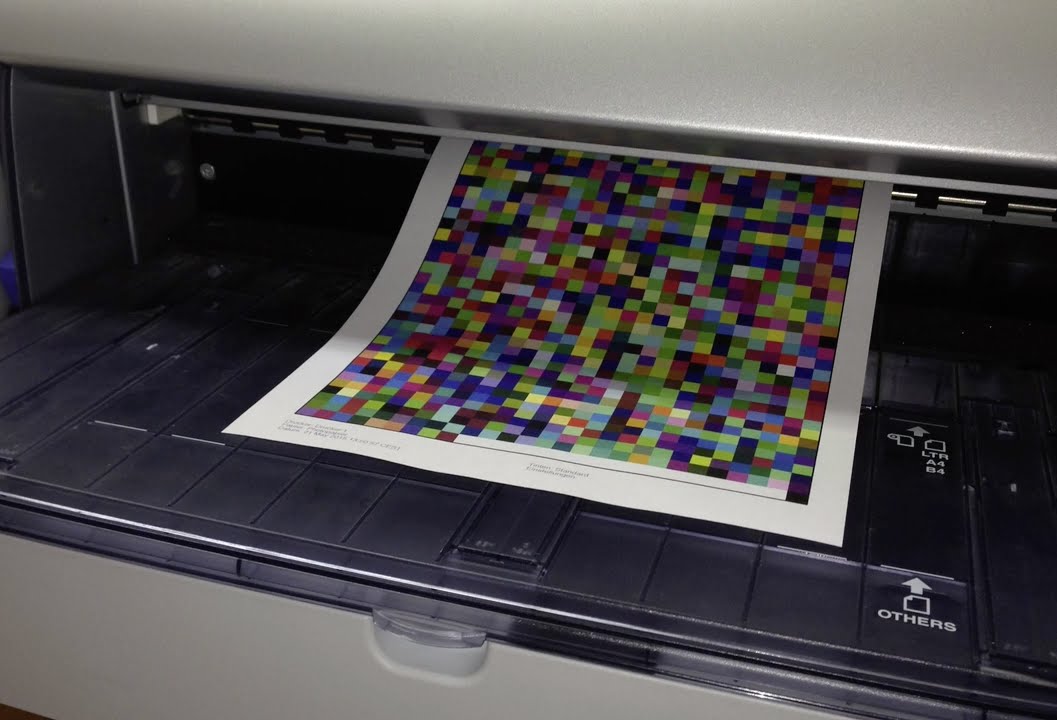

Now with your new Printer Calibration the colors are really vibrant – absolutely great – my Epson printer Stylus Pro 7600 performs perfectly now! I have never thought to realize such a big difference with your Printer Profiling Software!


The ICC Printer Calibration utilizes a flatbed scanner, its colors are perfectly adjusted with SilverFast's automatic IT8 Calibration, as a measuring device for profiling the printer.
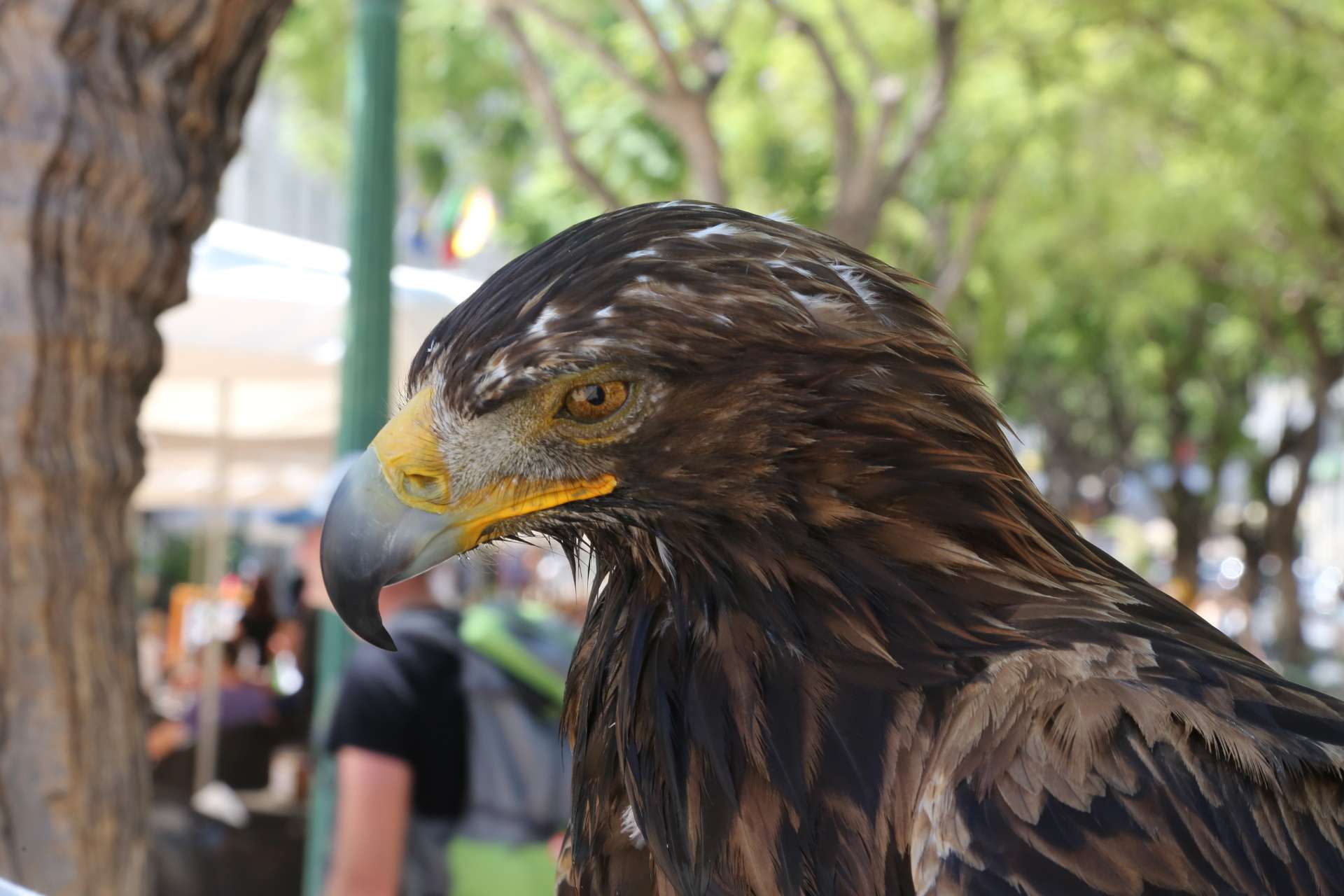
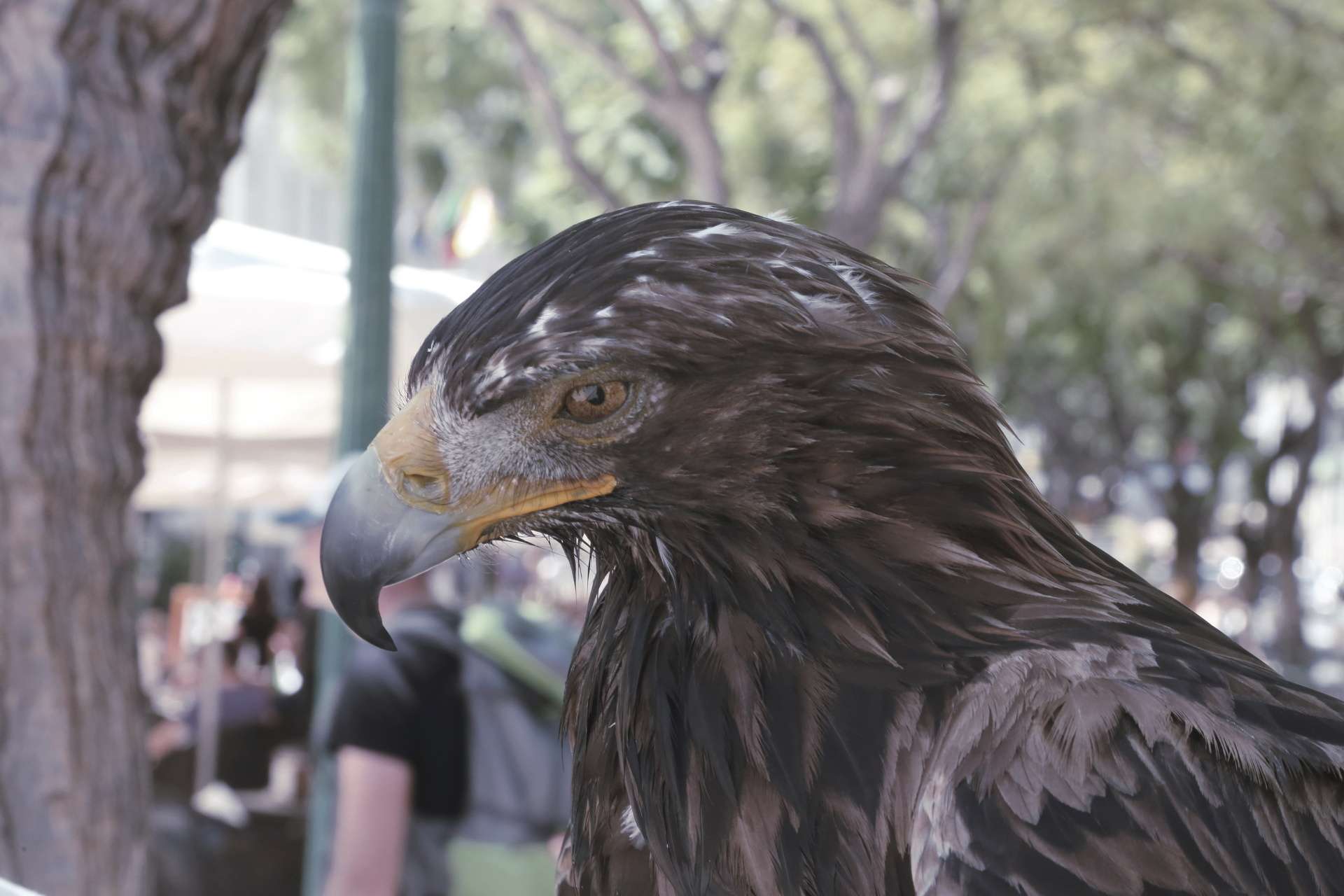
Output or printer calibration is very useful when the task is to reproduce an image via printer under the condition of keeping the colors and hues as original and predictable as possible. Without creating an appropriate ICC profile which takes into account the printer, ink cartridges and paper used, the task is almost impossible.
The SilverFast 8 Printer Calibration is an exclusive feature for calibrating the printer using a flatbed scanner, which is appropriate for professionals and for beginners as well, due to its easy handling and smart price-performance ratio.
The ICC Printer Calibration utilizes a flatbed scanner, its colors are perfectly adjusted with SilverFast's automatic IT8 Calibration, as a measuring device for profiling the printer. There is no longer the need for expensive additional hardware or software – an all-in-one-solution. Simply print a test chart using your printer and scan this chart with your IT8 calibrated scanner. SilverFast calculates an ICC profile for your printer and the paper and ink combination.
SilverFast from version 8.5 (SE Plus, Ai Studio, Archive Suite, Archive Suite SE) for
A supported flatbed scanner, see list below
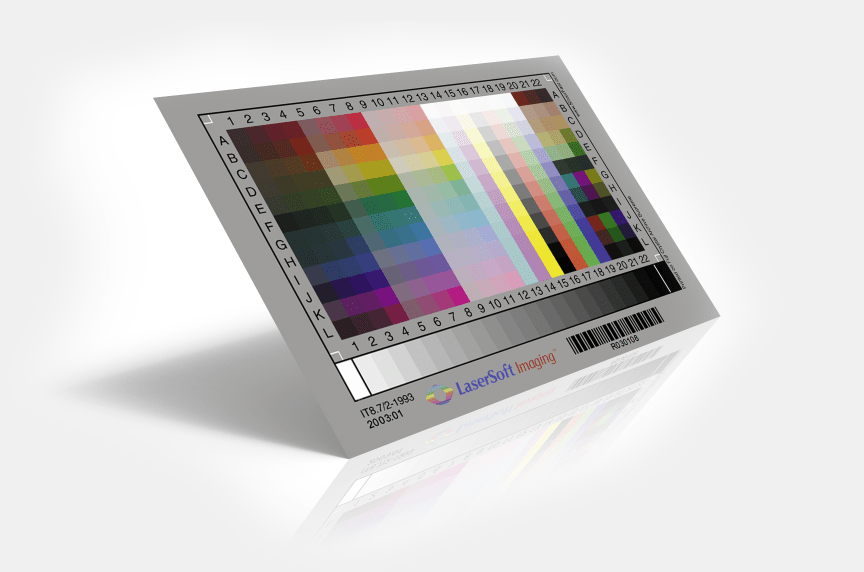
Reflective IT8 Target for Scanner Calibration
Inkjet Printer with disengageable Color Management (Note for macOS)
Using SilverFasts Printer Calibration guarantees the color space reproducible by the printer is being used in the most comprehensive and uncompromised way. The employed ink and paper type have a notable influence on the printed result. For consistent quality you can therefore create an ICC profile for any combination of printer, ink and paper type.
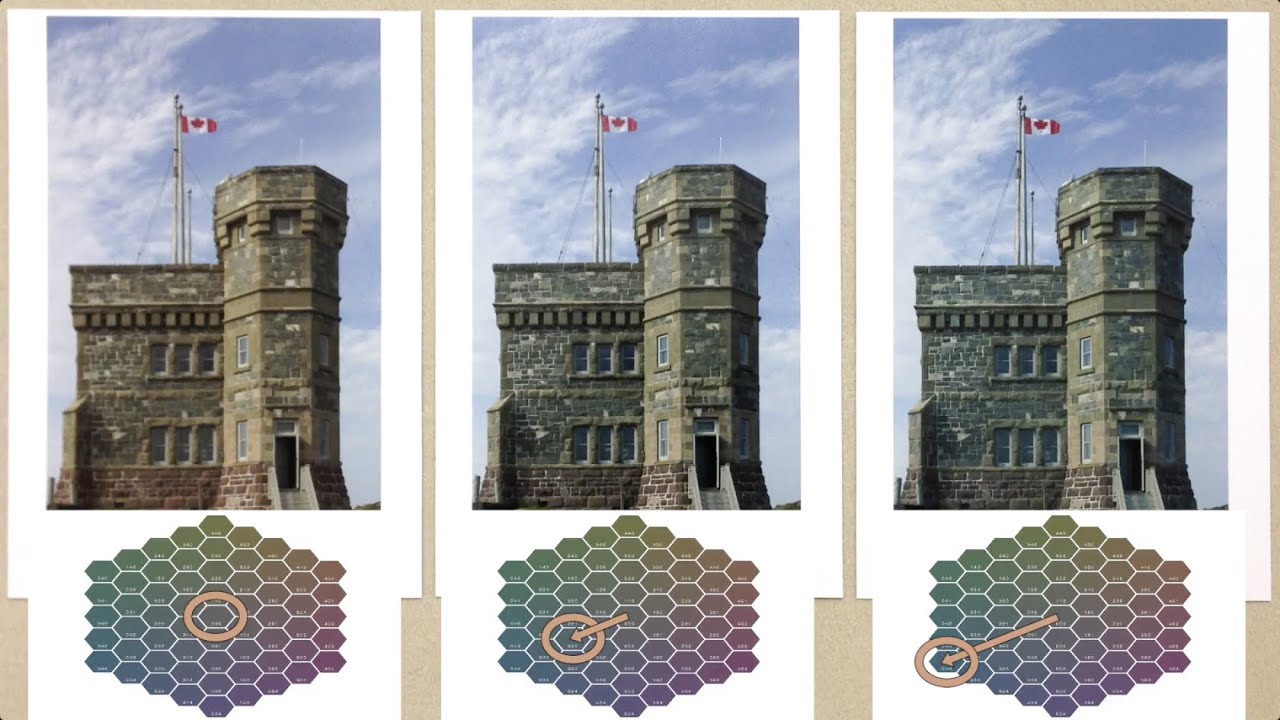
Since color is a subjective perception, SilverFast offers the option of editing the generated profile according to the user’s desires. This inherently complex task of color space adaptation is very easy to handle. Based on the generated ICC profile a new target is printed, in which the user can select the most neutral tonal values according to his perception. After this, SilverFast computes a personal user profile and saves it.
The listed scanners are tested to support SilverFast's ICC Printer Calibration.
Agfa
Apple
BenQ (Acer)
Canon
Epson
Heidelberg
HP
LaCie
Microtek
PFU
Plustek
Quatographic
Storm
Umax
LaserSoft imaging’s newly developed printer calibration now offers an exclusive tool which guarantees a maximum of color precision and printing quality. The flexible settings even allow the optimization of all previously generated ICC compliant profiles. The printer calibration uses the existing scanner as a measuring tool, sparing the need for additional and more expensive hardware.
Now with your new Printer Calibration the colors are really vibrant – absolutely great – my Epson printer Stylus Pro 7600 performs perfectly now! I have never thought to realize such a big difference with your Printer Profiling Software!

SilverFast[‘s Printer Calibration] works much better then we had expected and provides very useful printer profiles.
We are happy to present the new SilverFast Printer- Calibration Guide so that you can get an overview of the concept and workflow of our new product.
Order your SilverFast Printer Calibration right now as an option for SilverFast SE Plus, Ai Studio and Archive Suite: