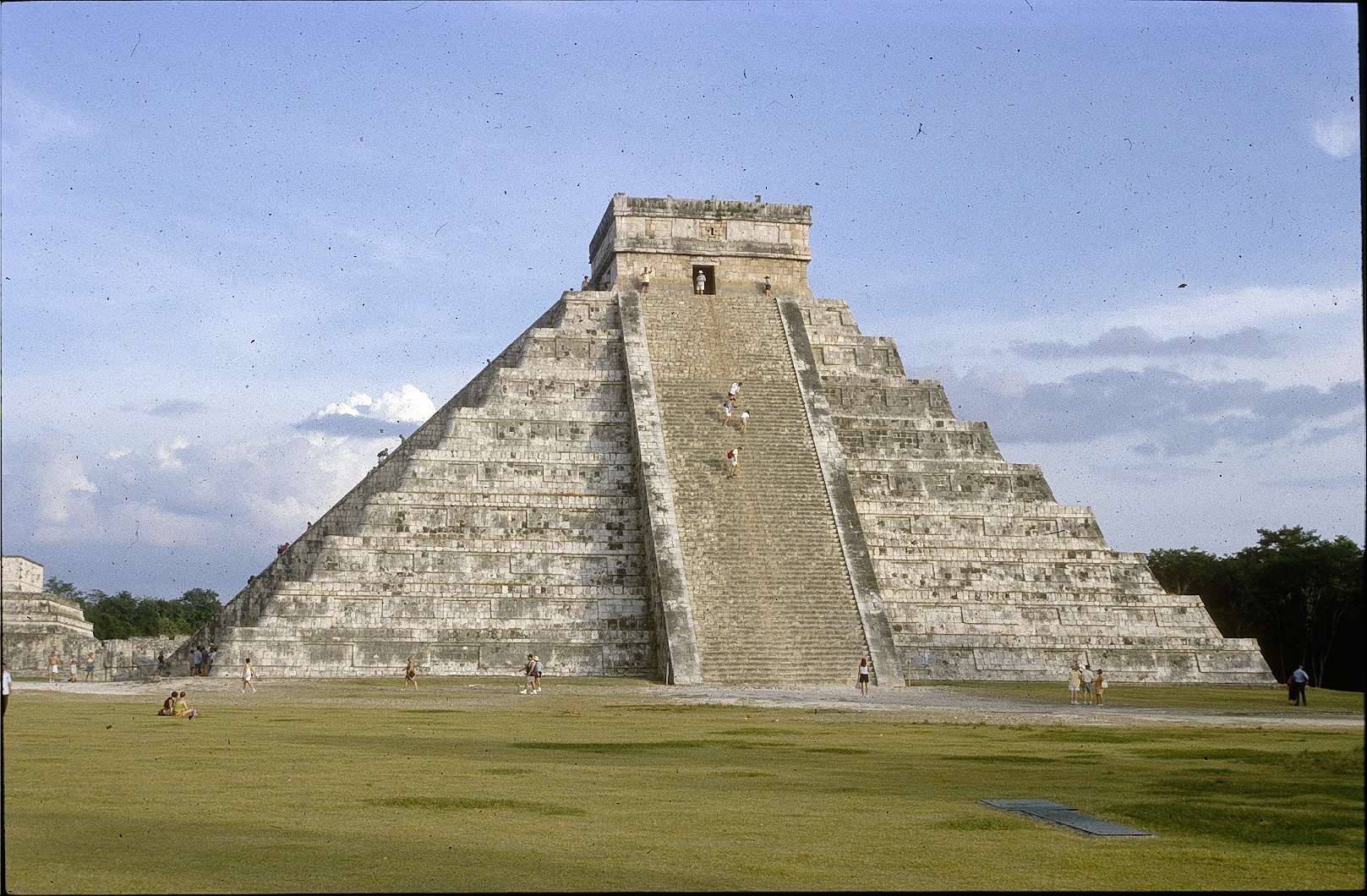
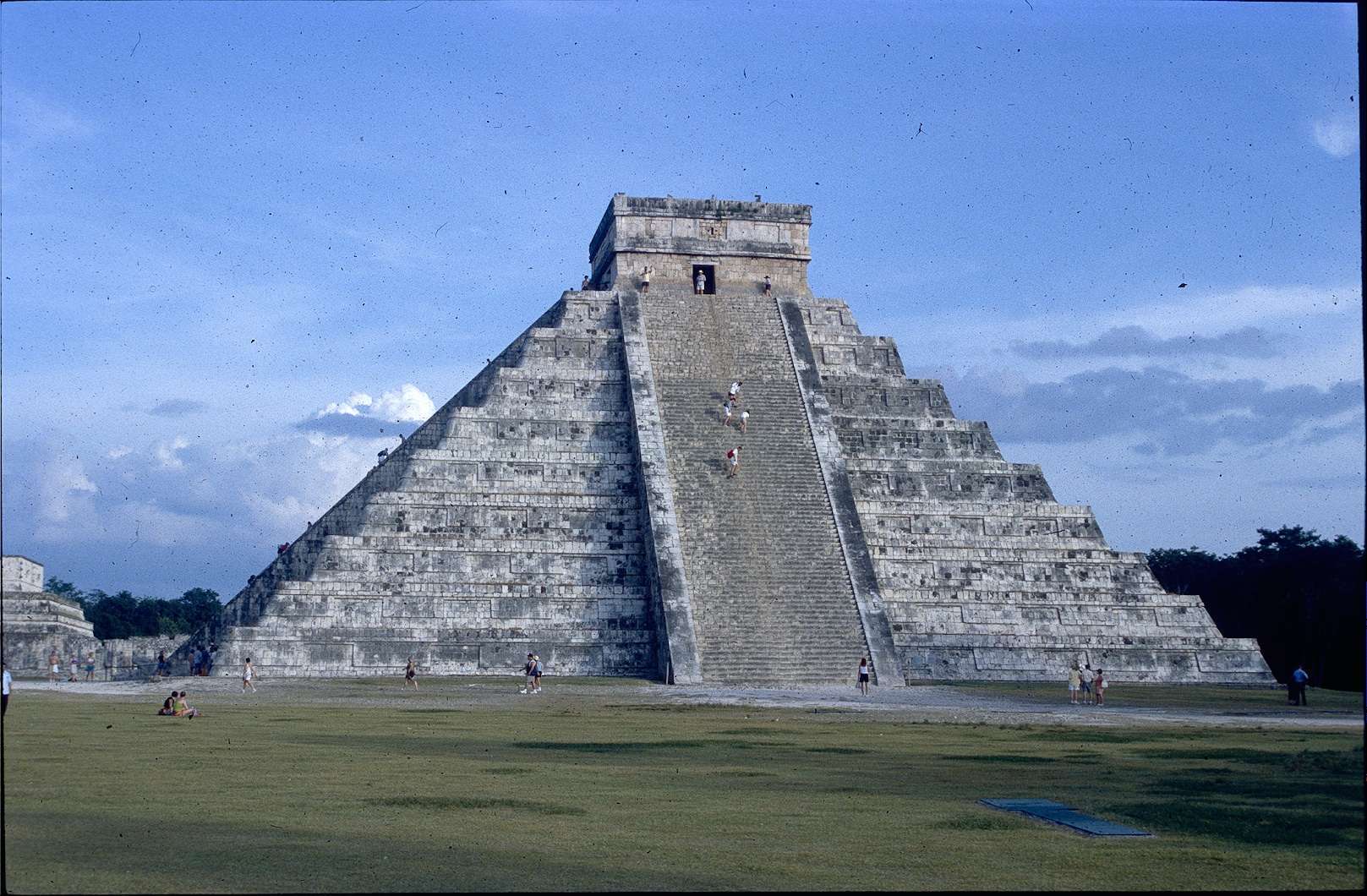
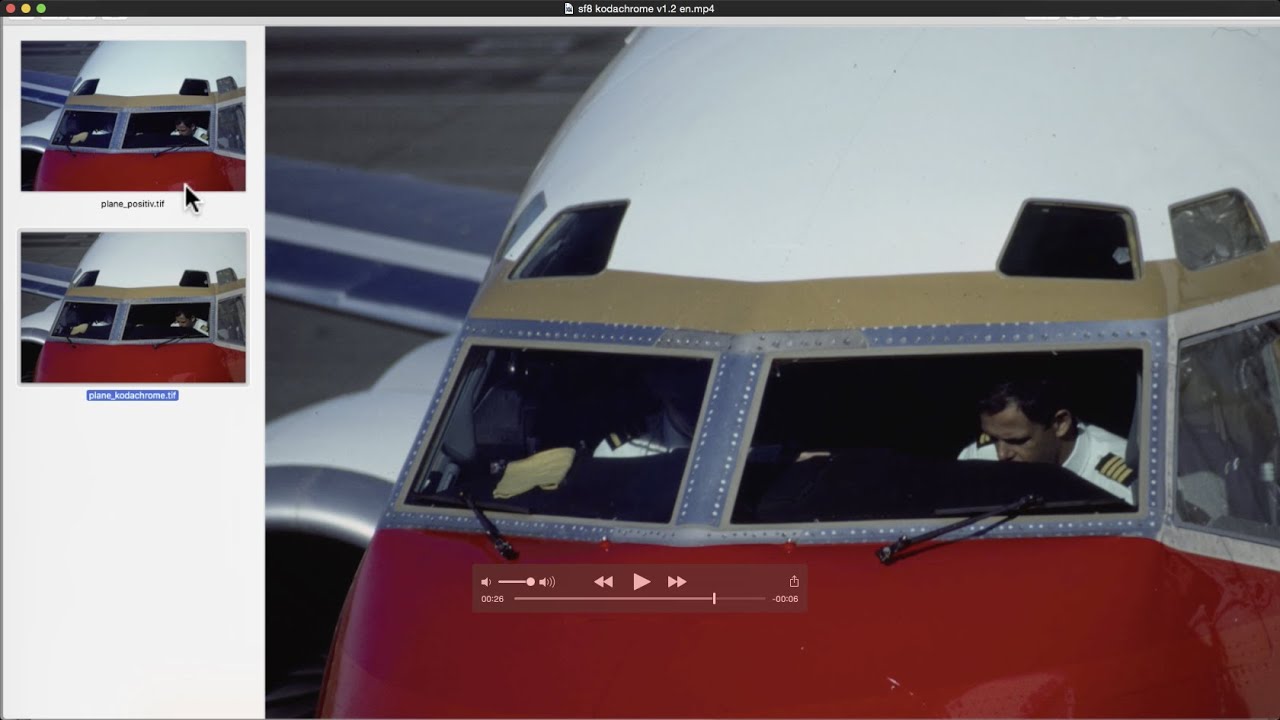
Anyone working with Kodachrome scans without adjusting the scanner to the special film properly knows the problem of the unsightly bluecast. Some scanner manufacturer’s software may have a Kodachrome mode for selection, which usually isn’t very helpful because a device specific calibration is lacking. Therefore we have implemented generic Kodachrome ICC-profiles for many supported film scanners in SilverFast. These provide the user with a very good starting point.
Kodachromes with maximum Dynamic Range
Scanning Kodachromes with attention to recording the complete Dynamic Range is a considerable challenge. This, because the Dynamic Range reaches up to 3.8D – which is a grayscale range of 6300 shades and equals a contrast range of 1:6300! Fortunately SilverFast Multi-Exposure can handle the enormous Dynamic Range with film scanners. This guarantees reproduction of the deepest shades inside Kodachromes successfully.


 16bit Histogram
 AACO
AACO ACR
ACR Auto IT8 Calibration
 Batch Scanning
 Clone-Tool
 ColorServer
 Descreening
 Expert Mode
 ExpressScan
 Focus Control
 Frame Detection
 GANE
GANE GCC
GCC HDRiRAW
 Help Videos
 Image Automatic
 Image to Web
 iSRD
iSRD JobManager
 JobMonitor
 Kodachrome Mode
 LAB Format
 Multi-Exposure
 Multi-Tasking
 Multiple Densitometer
 NegaFix
 Neutral Pipette
 Preview Concept
 PrinTao
 Printer Calibration
 SAC
SAC SC2G
SC2G SCC
SCC SRDx
SRDx USM
USM VLT
VLT WorkflowPilot