16bit Histogram
 AACO
AACO ACR
ACR Auto IT8 Calibration
 Batch Scanning
 Clone-Tool
 ColorServer
 Descreening
 Expert Mode
 ExpressScan
 Focus Control
 Frame Detection
 GANE
GANE GCC
GCC HDRiRAW
 Help Videos
 Image Automatic
 Image to Web
 iSRD
iSRD JobManager
 JobMonitor
 Kodachrome Mode
 LAB Format
 Multi-Exposure
 Multi-Tasking
 Multiple Densitometer
 NegaFix
 Neutral Pipette
 Preview Concept
 PrinTao
 Printer Calibration
 SAC
SAC SC2G
SC2G SCC
SCC SRDx
SRDx USM
USM VLT
VLT WorkflowPilot

High-Quality preview lets me see the entire scan at full resolution and is invaluable for close edits. Being able to zoom in at 1:1 and fine-tune different variables makes the effects of tools like USM or iSRD far easier to control.


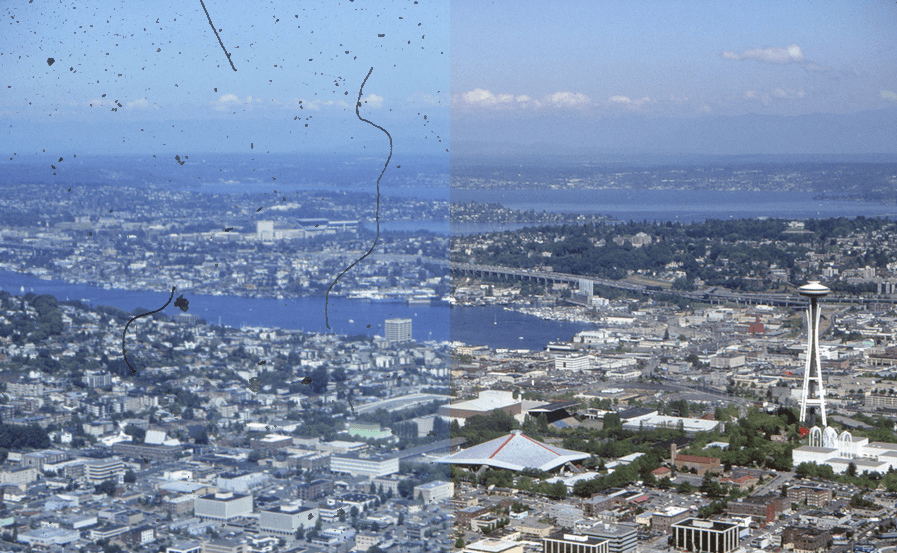
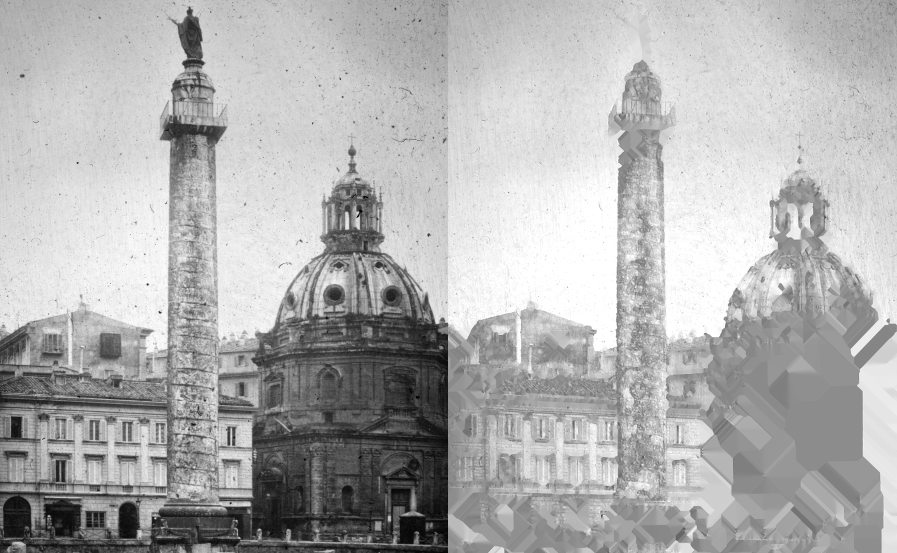
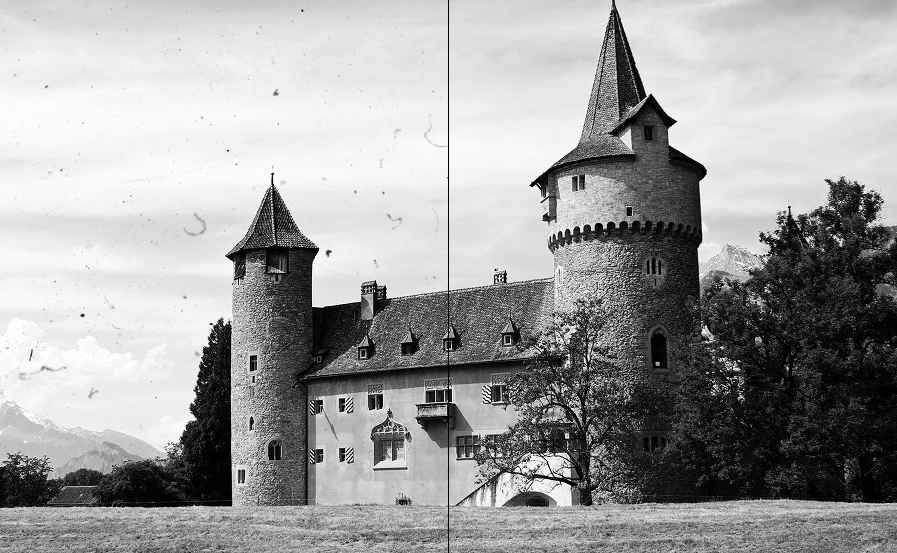
Contrary to conventional techniques SilverFast‘s dust and scratch removal functionality iSRD is based on the hardware. It is using the scanner‘s infrared channel for defect detection.


Slides and negatives always have small dust particles and tiny scratches on them, even when handled very carefully. Removing them one-by-one takes a tremendous amount of time, since often hundreds or thousands of small defects (dust grains or lint) are found on the original image, which only become visible after digitization. LaserSoft Imaging has developed a reliable solution to this problem.
Infrared light has a very wide wave-length, which allows it to pass through film emulsion of negatives and slides without resistance, as opposed to scratches and dust particles that reflect it. iSRD utilizes this behavior as follows. The image is scanned two times – the first is the regular RGB scan and the second is the additional infrared scan that captures defects like dust and scratches only. Then the calculative dust and scratch removal takes effect, only where the infrared channel has detected any defects without losing any important details.

The listed scanners are tested to support the iSRD feature.
Braun Phototechnik
Canon
Epson
LaserSoft Imaging
Mediax
Microtek
Minolta
Nikon
Pacific Image Electronics
Plustek
Quatographic
Reflecta
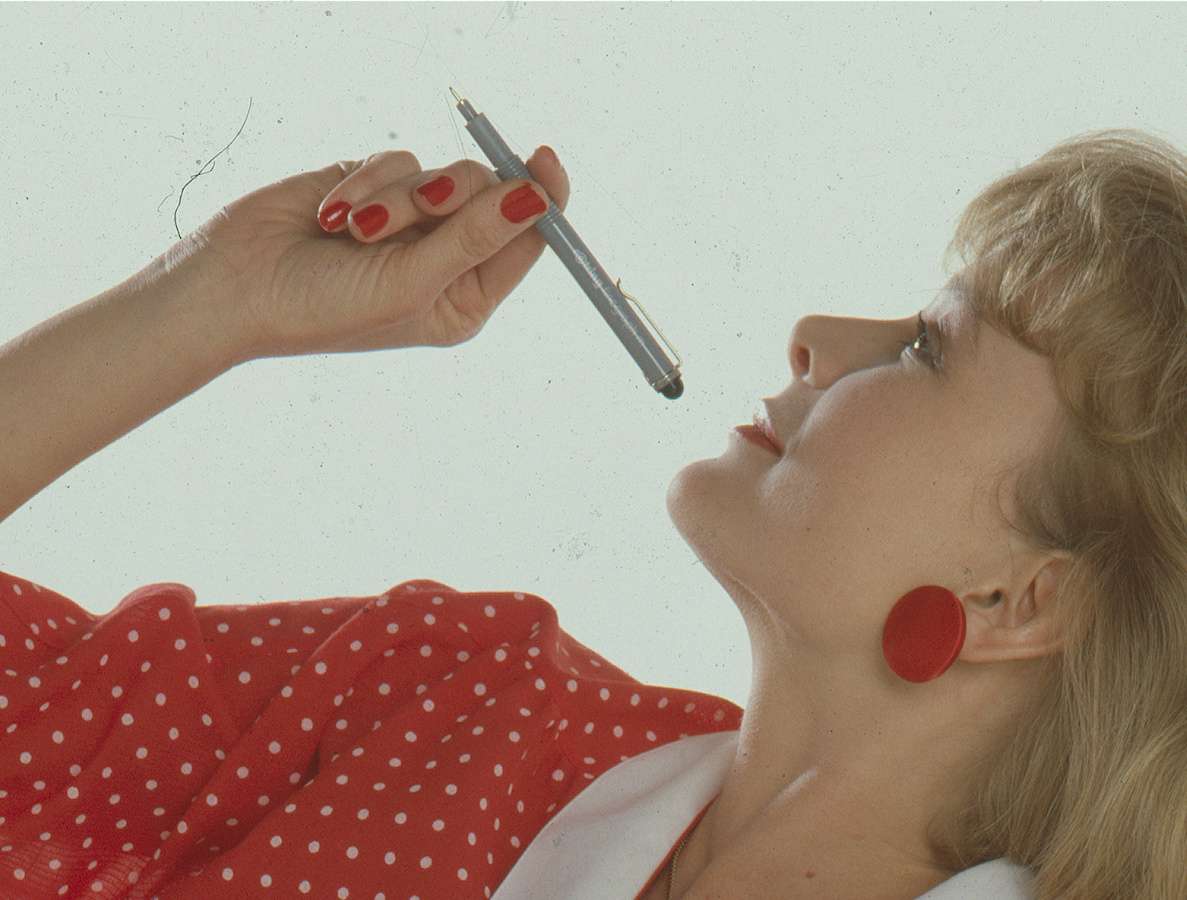

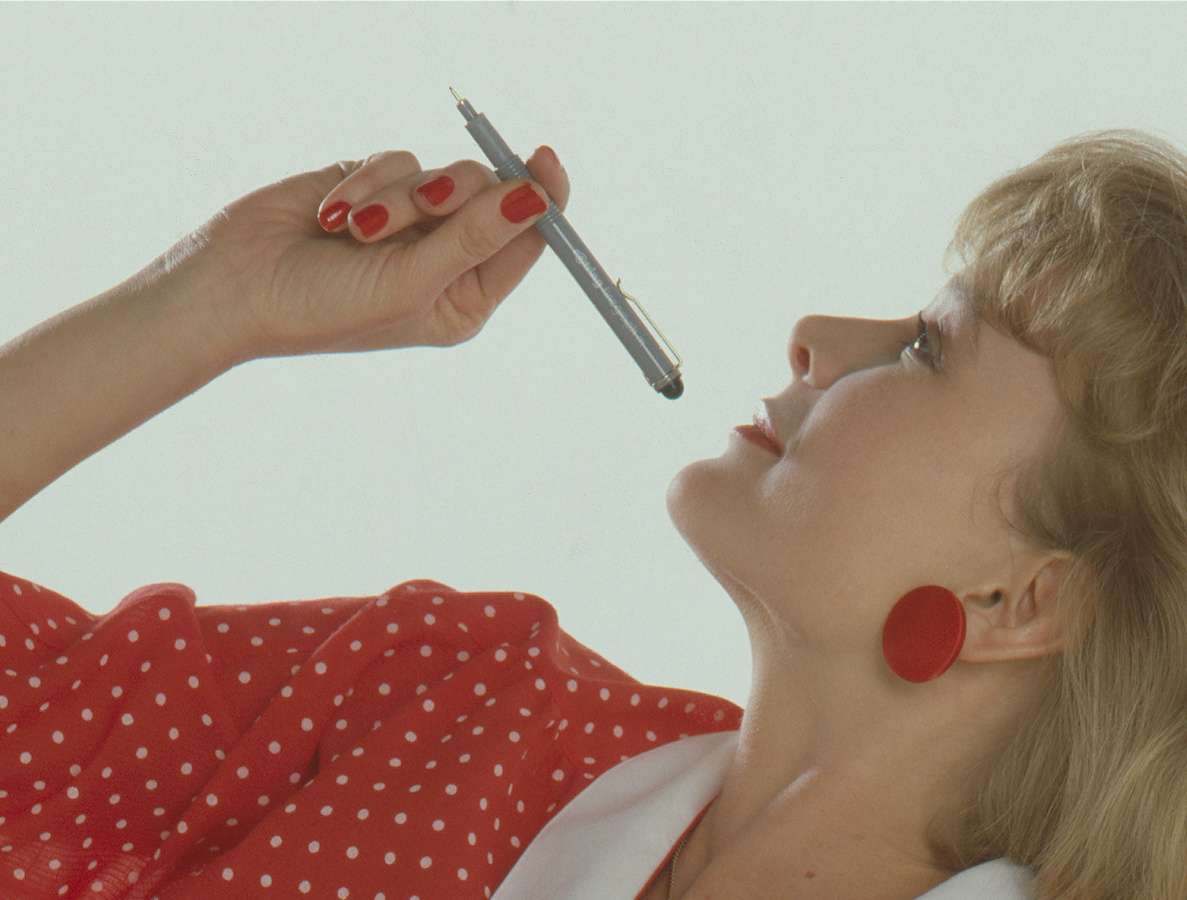
High-Quality preview lets me see the entire scan at full resolution and is invaluable for close edits. Being able to zoom in at 1:1 and fine-tune different variables makes the effects of tools like USM or iSRD far easier to control.

iSRD is a highly reliable and comprehensive solution for infrared-based dust and scratch removal. Note the preview functionality, the access to every parameter and the opportunity to work with a mask tool.

When I finally came to fully understand the iSRD function in SilverFast the “light bulb” fired up. I was thunder struck by the enormous chunk of time-saving help this feature offered. Batman had his utility belt, but I have SilverFast and have to believe I am just getting started with harnessing its power.

The SilverFast preview is ideal. All manipulations are shown almost in real-time depending on the computational complexity and hardware equipment. It is also possible to directly examine the result of some extensive features such as Unsharp Masking or the infrared dust and scratch removal tool iSRD. Using the 100% preview every little change is visible.
Special Case: Black-and-White and Kodachrome film with infrared-based defect removal iSRD
Kodachrome film: With Kodachrome images, an automatic defect detection can be more difficult, since the film emulsion is so dense, particularly in the dark image areas, that infrared light cannot pass through sufficiently. For this reason, for the software dark image area does not differ from dust or other dirt particles. SilverFast’s iSRD Dust and Scratch Removal has been specially adapted for Kodachrome film to take this into account. The Kodachrome optimized iSRD engine is used automatically once the Kodachrome mode is activated. It may be particularly helpful to use a polygon or path mask, as well as the marker and eraser tools included with SilverFast Ai Studio to limit corrections to specific areas of the image.
Black and white film: Black and white film is another special case in terms of dust and scratch removal. Unlike color slides or color negatives, the scanner’s infrared rays can not permeate through the film emulsion, due to the silver halide layer contained in the film. This means that infrared based tools like iSRD, ICE, FARE or MagicTouch can not be used here.
SRDx, our software-based dust and scratch removal, has bee developed especially for black and white film. It ensures effective removal of dust and scratches from black and white film and, in combination with SilverFast iSRD, represents an ideal solution for Kodachromes.
SilverFast SRDx is a software-based tool for removing dust and scratches, i.e. in contrast to iSRD it is not using the infrared channel. Thus, it is a great tool for scanners that do not feature any infrared functionality. SilverFast SRDx is also a great addition to SilverFast iSRD. Both features can be optimally combined to remove defects hardware- and software-based.
The listed scanners have been tested and support the SilverFast iSRD dust and scratch removal functionality. More scanners will be added to the list by and by. Consider using SilverFast SRDx, if your scanner is not on the list.
Digital ICE is a similar technology developed by Kodak. Where ICE is a technology that hasn‘t seen many improvements over the years, iSRD is always up-to-date due to regular updates.