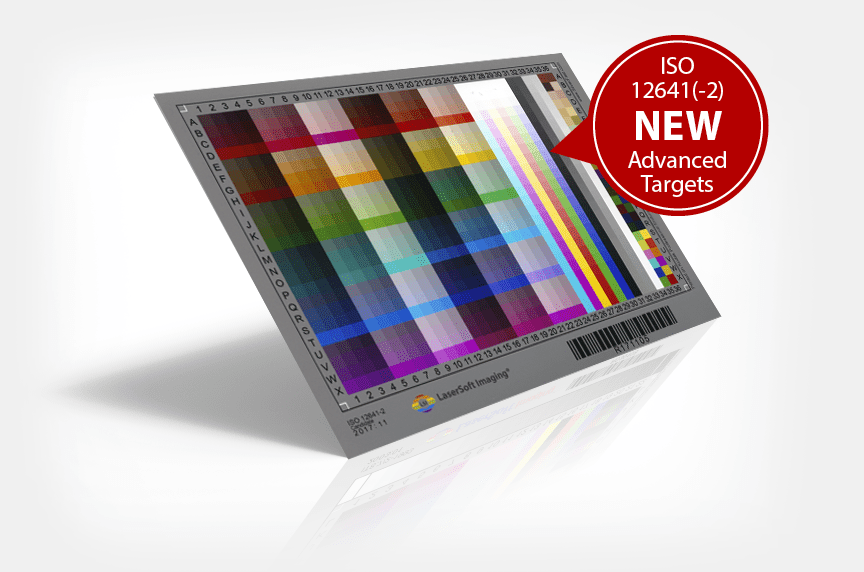
The IT8 standard has been the color control reference for graphical applications for over 20 years. Industry designers, photographers and even every-day photo enthusiasts rely on the color accuracy made possible by the individual ISO norms of the IT8 Standard. During scanner calibration, measuring tables help characterize the specific color reading capabilities of a scanner.
These measuring tables are built in accordance with the ISO-Norm 12641. The measuring tables recognize the individual characteristics of the particular scanner and generate a color profile for said scanner.
It is quite common for scanners to contain singularities that make them unique from one another. These singularities often occur during the production process and tend to continue to change throughout the life of the scanner. More precisely, this process is a profiling of the scanner, however, both terms (calibration/ profiling) are used. It is also common for color differences to occur due to environmental factors such as room temperature, humidity and light exposure. A profile in accordance with the IT8 Standard is thus a useful tool not only for professionals, but for all those interested in scanning.


 16bit Histogram
 AACO
AACO ACR
ACR Auto IT8 Calibration
 Batch Scanning
 Clone-Tool
 ColorServer
 Descreening
 Expert Mode
 ExpressScan
 Focus Control
 Frame Detection
 GANE
GANE GCC
GCC HDRiRAW
 Help Videos
 Image Automatic
 Image to Web
 iSRD
iSRD JobManager
 JobMonitor
 Kodachrome Mode
 LAB Format
 Multi-Exposure
 Multi-Tasking
 Multiple Densitometer
 NegaFix
 Neutral Pipette
 Preview Concept
 PrinTao
 Printer Calibration
 SAC
SAC SC2G
SC2G SCC
SCC SRDx
SRDx USM
USM VLT
VLT WorkflowPilot