


 16bit Histogram
 AACO
AACO ACR
ACR Auto IT8 Calibration
 Batch Scanning
 Clone-Tool
 ColorServer
 Descreening
 Expert Mode
 ExpressScan
 Focus Control
 Frame Detection
 GANE
GANE GCC
GCC HDRiRAW
 Help Videos
 Image Automatic
 Image to Web
 iSRD
iSRD JobManager
 JobMonitor
 Kodachrome Mode
 LAB Format
 Multi-Exposure
 Multi-Tasking
 Multiple Densitometer
 NegaFix
 Neutral Pipette
 Preview Concept
 PrinTao
 Printer Calibration
 SAC
SAC SC2G
SC2G SCC
SCC SRDx
SRDx USM
USM VLT
VLT WorkflowPilot
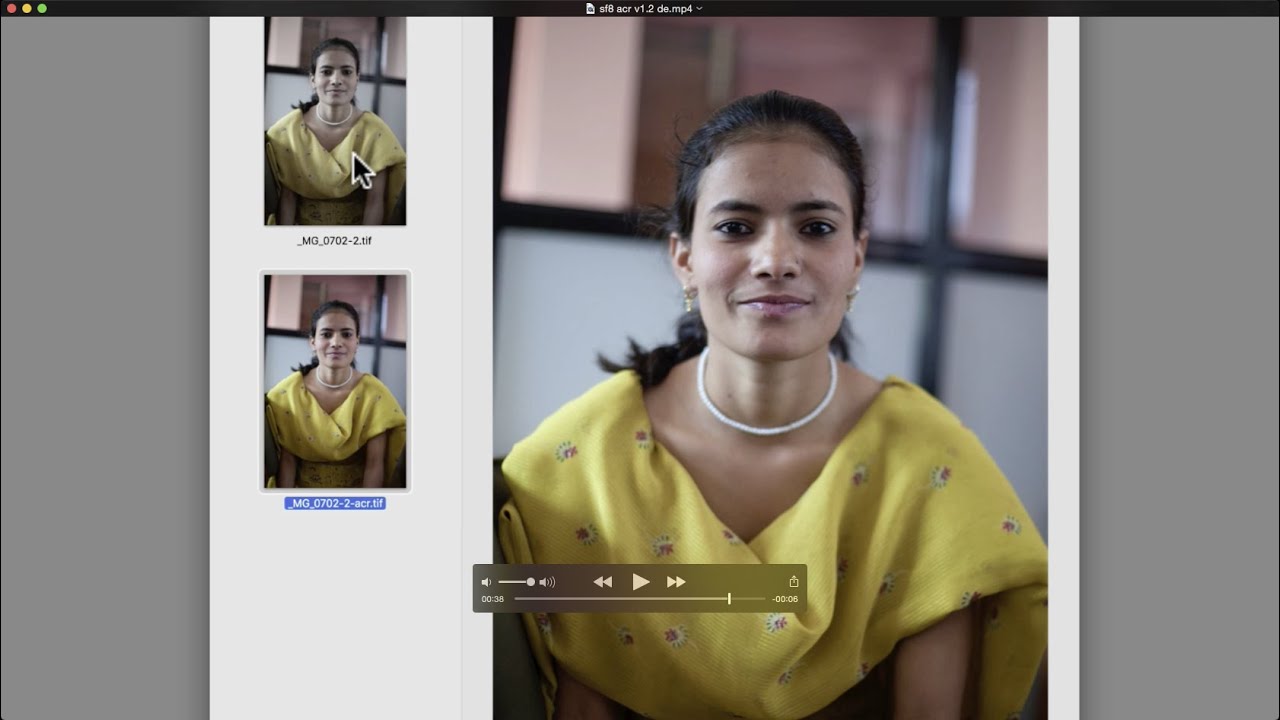

The time and effort spent in Photoshop editing and adjusting images produced by the Canon software far exceeds that required to produce superior results with the tools available in SilverFast. Automatic functions like auto-adjust, Color Cast Removal, and Adaptive Color Restoration have greatly simplified processing, and I have found that scans are significantly faster with SilverFast.