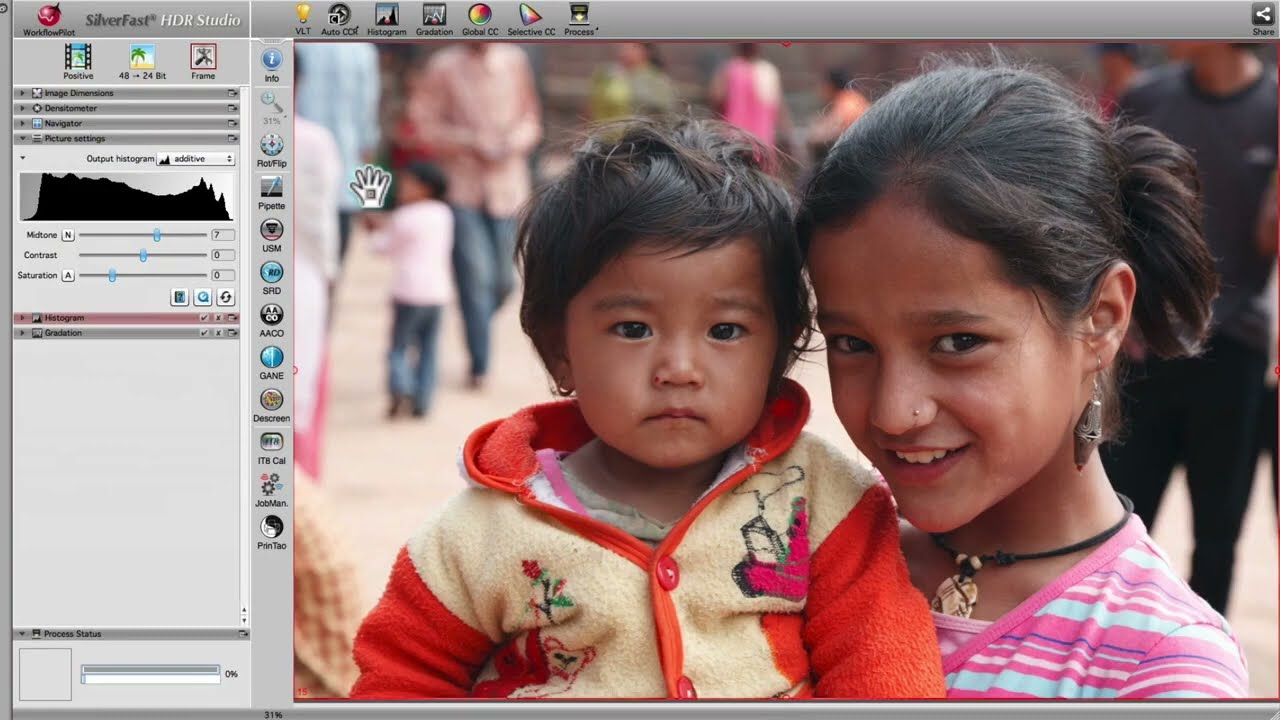









… I’m able to do any image processing later on with SilverFast HDR Studio. Following this procedure I can assure neither to lose a single scan in my archive nor any details by scanning.


SilverFast HDR Studio is the premium edition of SilverFast‘s digital imaging software with the widest range of features. It is therefore suitable for all who want to achieve best results when optimizing their images. SilverFast HDR (High Dynamic Range) uses 64bit / 48bit image data for a high contrast range and thus for more image details.
SilverFast HDR Studio handles color restoration and color management at the highest level. The user interface, which lets you always have the most important tools for professional image optimization in sight, allows you to easily eliminate color casts, adjust brightness levels, remove dust and scratches, sharpen your images, and apply exposure compensation.
Do you often lose yourself in hundreds of features and countless tool palettes that you never need? Then SilverFast HDR (High Dynamic Range) is the excellent alternative to image editing programs such as Photoshop, Affinity Photo, Luminar and Photoshop Elements.
SilverFast HDR Studio is the ideal complement to SilverFast scanner software. After you have quickly scanned your images into the 64bit / 48bit HDR(i) RAW data format, which contains all the image information that can be captured, you can later efficiently optimize them with SilverFast HDR Studio. The Auto Adaptive Contrast Optimization AACO can optimize dark, high-contrast image areas in the twinkling of an eye, without affecting details in the highlights. Many users, photographers and institutions, where image processing is part of everyday life, rely on SilverFast software. SilverFast HDR Studio enables a lossless workflow with powerful tools for automatic and manual image optimization.
SilverFast HDR Studio is suitable for all already scanned images and for all other digital images except for proprietary RAW data formats. Download free trial software and convince yourself.
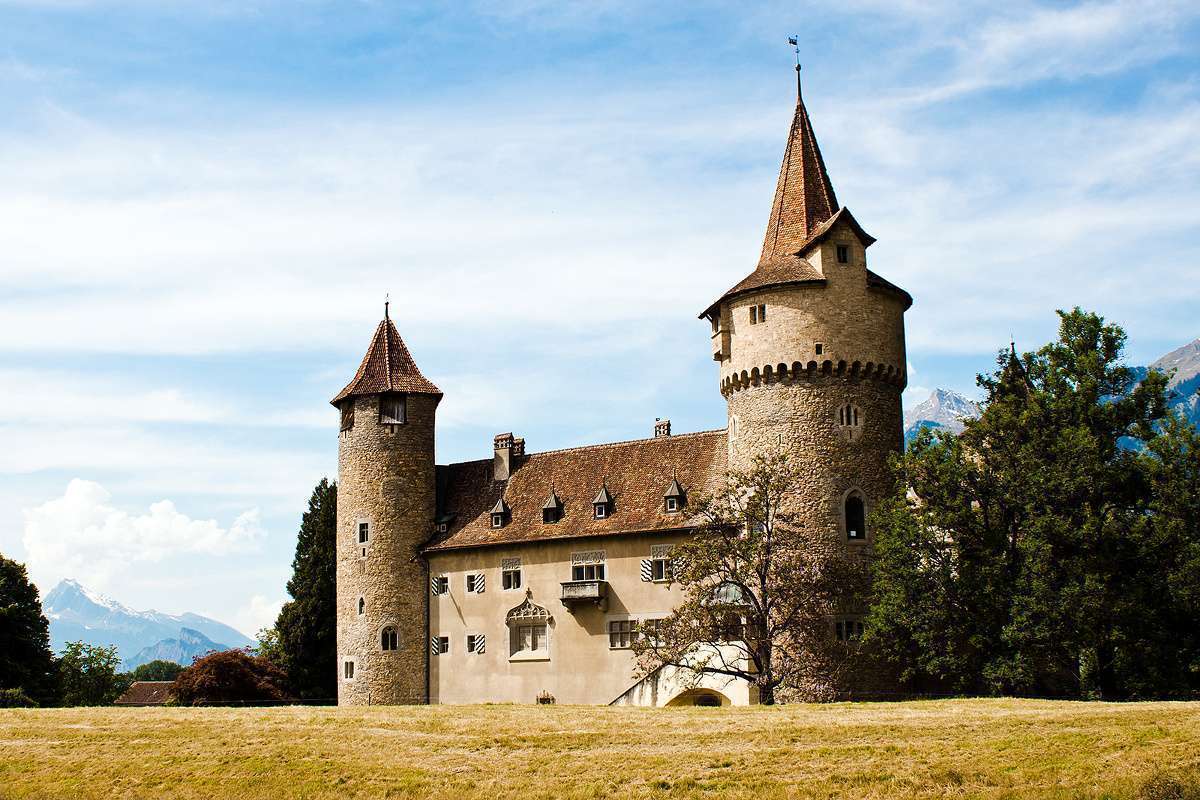
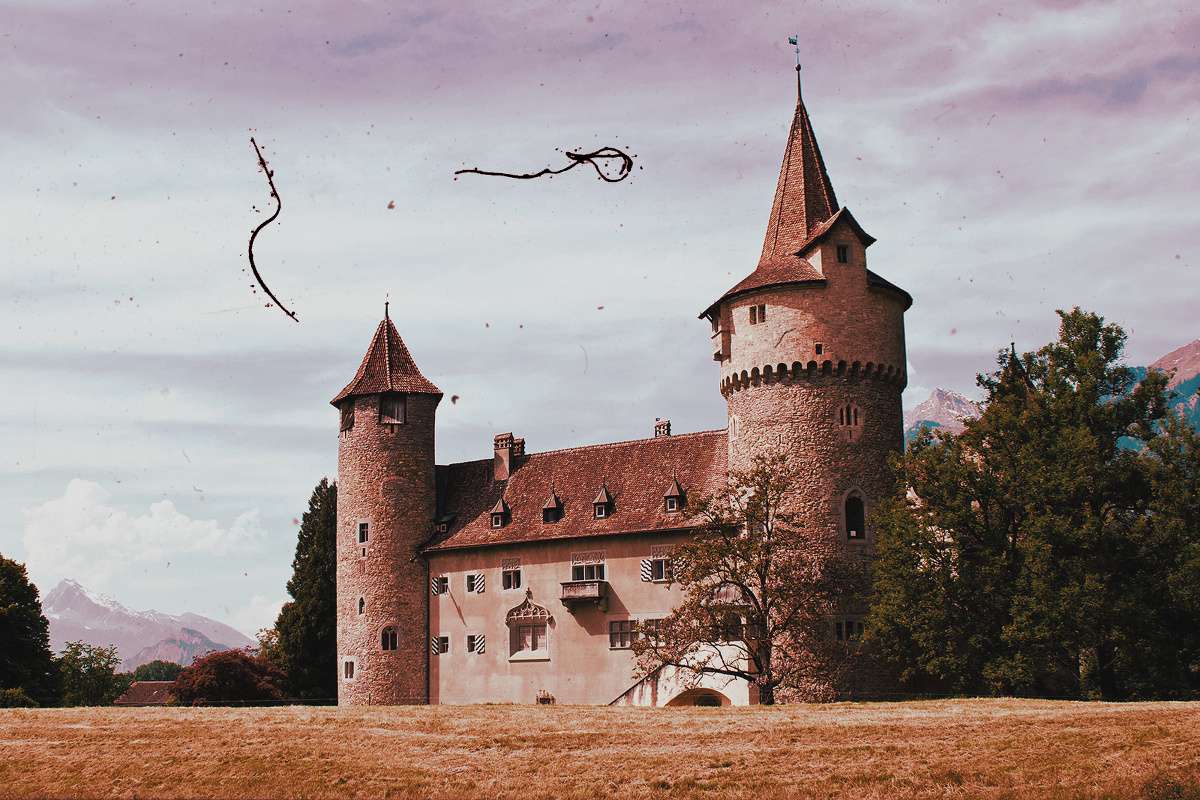
SilverFast – so much more than just image processing! HDR Studio focuses on the essentials of digital image processing and in this area is a real alternative to Photoshop.
SilverFast includes a whole range of powerful features. Below you will find a list of the top highlights of this version. More information about other SilverFast features highlights can be found in our overview of all SilverFast features.
… I’m able to do any image processing later on with SilverFast HDR Studio. Following this procedure I can assure neither to lose a single scan in my archive nor any details by scanning.
As a complete solution for a special price we recommend our SilverFast Archive Suite. Benefit from fully automatic IT8 scanner calibration for accurate, true to original colors. Enjoy rapid scanning into a 64bit HDRi RAW data archive, incl. infrared data using SilverFast Ai Studio. Process image optimizations for different applications using SilverFast HDR Studio at any time later.
We are happy to present our SilverFast guide for you to get an overview of the concept and workflow of your software.
SilverFast Scanner software and HDR software are quite similar to use. This supplemental sheet shows the differences.
Here you can ensure that your system setup meets SilverFast's minimum requirements regarding hardware and operating systems.