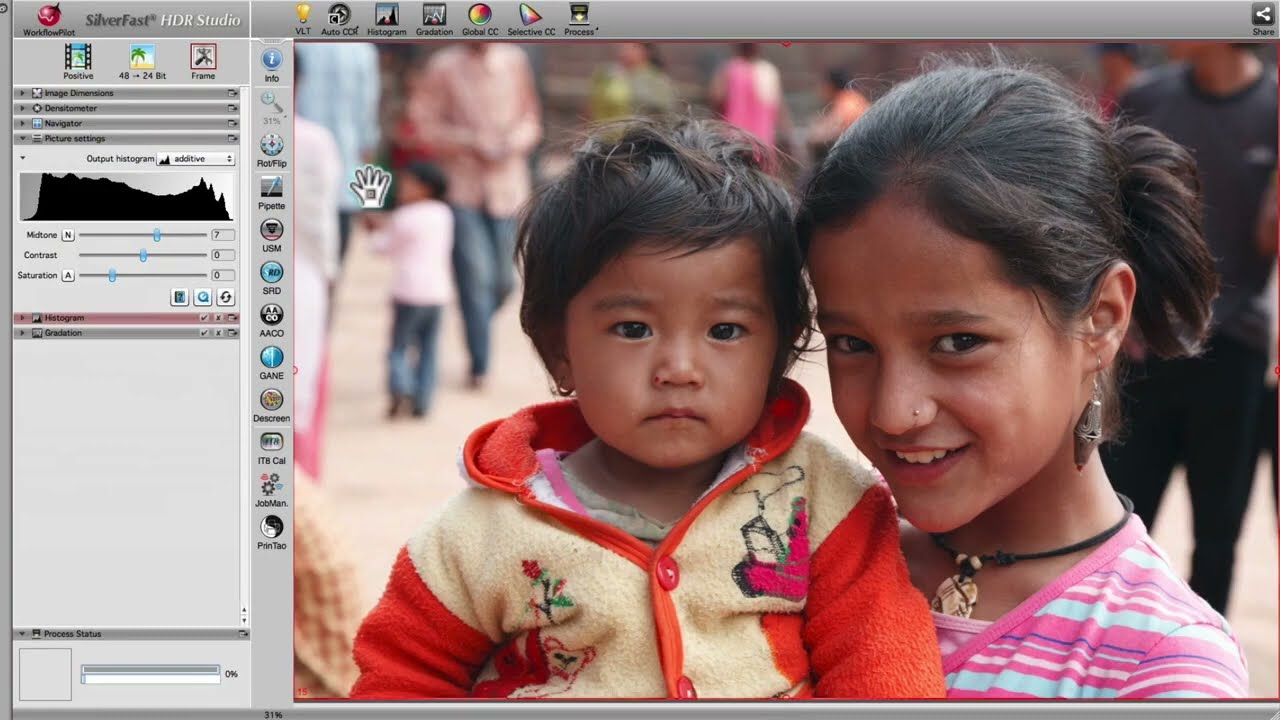
High-end version for 48bit RAW data processing (High Dynamic Range Imaging) with JobManager, 48 bit color-corrected output, Virtual Light Table and much more (optional IT8 calibration) The HDR Studio version comes with all features of HDR and DCPro + AACO, JPEG 2000, USMPlus, Clone Tool, PrinTao and optional SilverFast PhotoProof.
In order to save RAW data with extended dynamic range (HDR - High Dynamic Range), the 48bit TIFF format and the CAMERA RAW format was developed. Even scanners or cameras with only 30 or 36 bit capability generate their maximum output range in this format. Regardless of the effective dynamic range supplied, the file will always become a 48 bit file. Normal scanning software saves images into a 24 bit file, discarding the extra information created by the scanner. 48 bit files retain all of the information supplied.
SilverFast HDR Software enables the user to read and process 48 bit RAW files without being connected to a scanner. In HDR, all SilverFast tools are available: Defining Output Size & Resolution, Auto-Adjust of Highlight/Shadow, Three Part Histogram, Gradation Curves, Selective Color Correction, Unsharp Masking, Color Cast Removal Slider, Color Separation, CMYK-Preview and more.
NEW: The SilverFast HDRi RAW data format with infrared channel
The HDRi feature is part of any SilverFast HDR and Archive Suite edition version 6.6.1 or later. The 64bit HDRi color files (and the 32bit grayscale files respectively) developed therefore contain all readable image information including the information of the infrared channel, which's data can be used for image optimization, e.g. for dust and scratch removal. Hence, HDRi RAW data is the perfect source material for any later post processing steps. Read more about SilverFast HDRi.
NEW: SilverFast's auto-USM for HDR and DC is now aligned to the scanner
|
With version 6.6.1r4 SilverFast saves scanner related information along with the image data. This allows an advanced automatic Unsharp Masking for the later post processing with SilverFast HDR, which takes the specific scanner details into account and is therefore able to produce brilliant, pin sharp images. Read more about the SilverFast Unsharp Masking. |
![]() (Click to enlarge) |
SilverFast HDR 6.6 now also supports Camera raw data
SilverFast HDR 6.6 has been upgraded to support Camera raw data. All camera raw formats supported by SilverFast DCPro are now also available in SilverFast HDR 6.6. See the list of supported cameras here:
http://www.silverfast.com/show/dc-cameras-raw/en.html


STORE