
Thanks to SilverFast we can still use our old Plustek scanner on current operating systems and do not have to buy a new device. Scanner and software run perfectly, that is real sustainability.


The Plustek OpticFilm 8300i marks the next generation of the 35mm film and slide scanner series and is aimed at users with particularly high demands for detail rendering, processing speed, and workflow efficiency. This device also boasts an optical resolution of 7,200 dpi, combined with a dynamic range of up to approximately 3.91 D (manufacturer’s specifications). The included SilverFast software enables a complete high-end workflow – from negative to digital file.
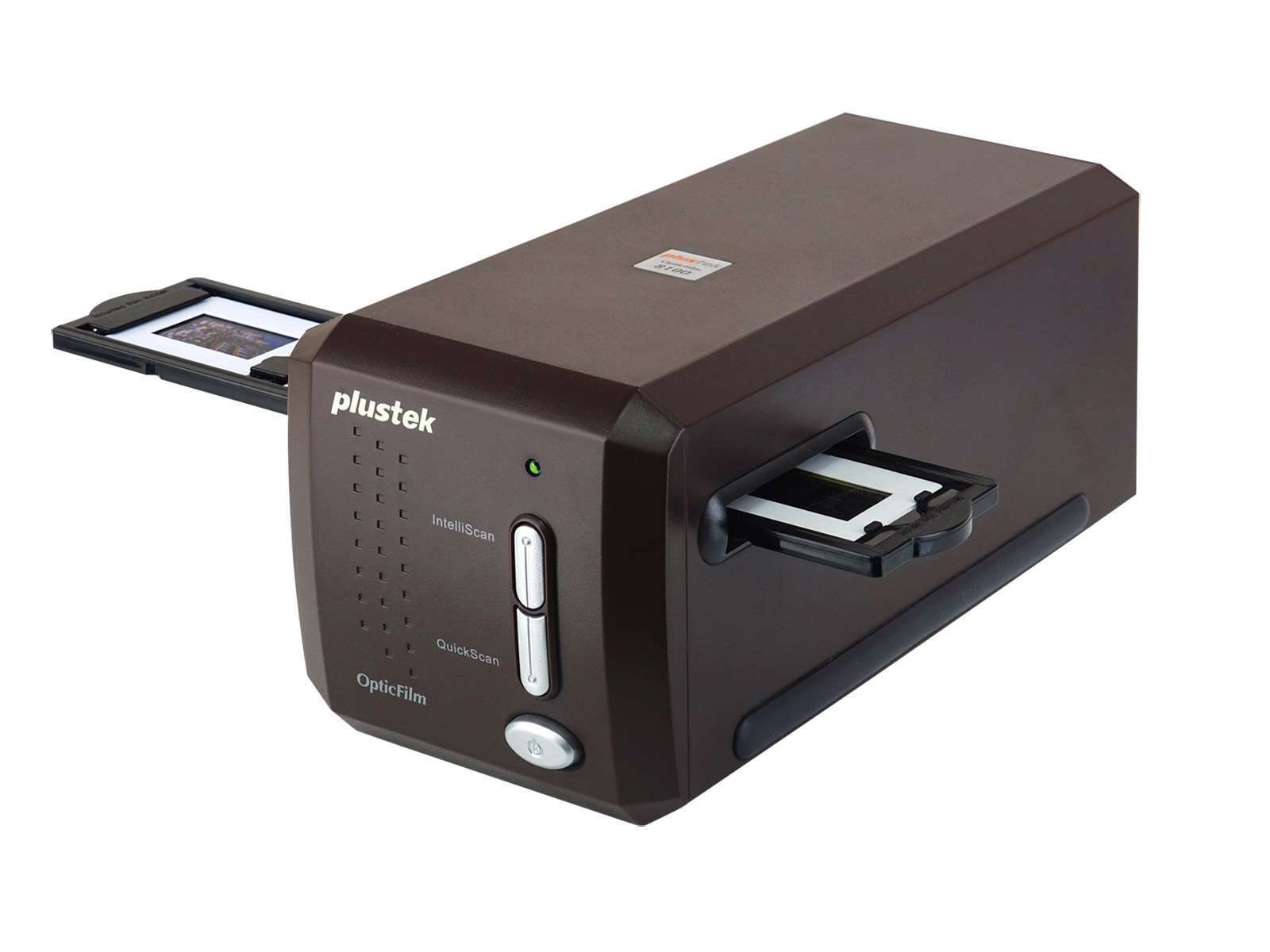
A significant advantage over previous models: The new chip allows for faster processing – tests report a time saving of approximately 38% compared to its predecessor. Experience many other highlights with SilverFast, such as iSRD Dust and Scratch Removal, 16bit Histogram analysis, Multi-Exposure, and NegaFix.
35mm film and slide scanner
Optical resolution: 7200 dpi (according to manufacturer)
Color depth: 48 bit
includes film holders for slides and 35mm filmstrips
Thanks to SilverFast we can still use our old Plustek scanner on current operating systems and do not have to buy a new device. Scanner and software run perfectly, that is real sustainability.

It’s a lot of fun to digitize my family‘s old slides using the Plustek scanner and SilverFast software. Color casts – no problem. Scratches and dust – no problem. Blurred images – no problem. I award 5 out of 5 stars.

I‘m using the new Plustek 8200i Ai to scan my slides for about two months now. The possibilities to control the output with SilverFast are amazing, I get best results for every original. The dust and scratch removal tool iSRD is especially helpful. Just press the button and the image looks like new.
Choose between BASIC, PLUS and PREMIUM edition.

SilverFast Archive Suite
(Features may vary depending on scanner model.)
Try Buy
If you encounter any question or problem with SilverFast and your Plustek scanner, please visit our support overview page.
You can download the latest scanner drivers for your Plustek scanner model here at the manufacturer’s website.
Here you will find SilverFast‘s minimum system requirements regarding your computer hardware and operating systems.


