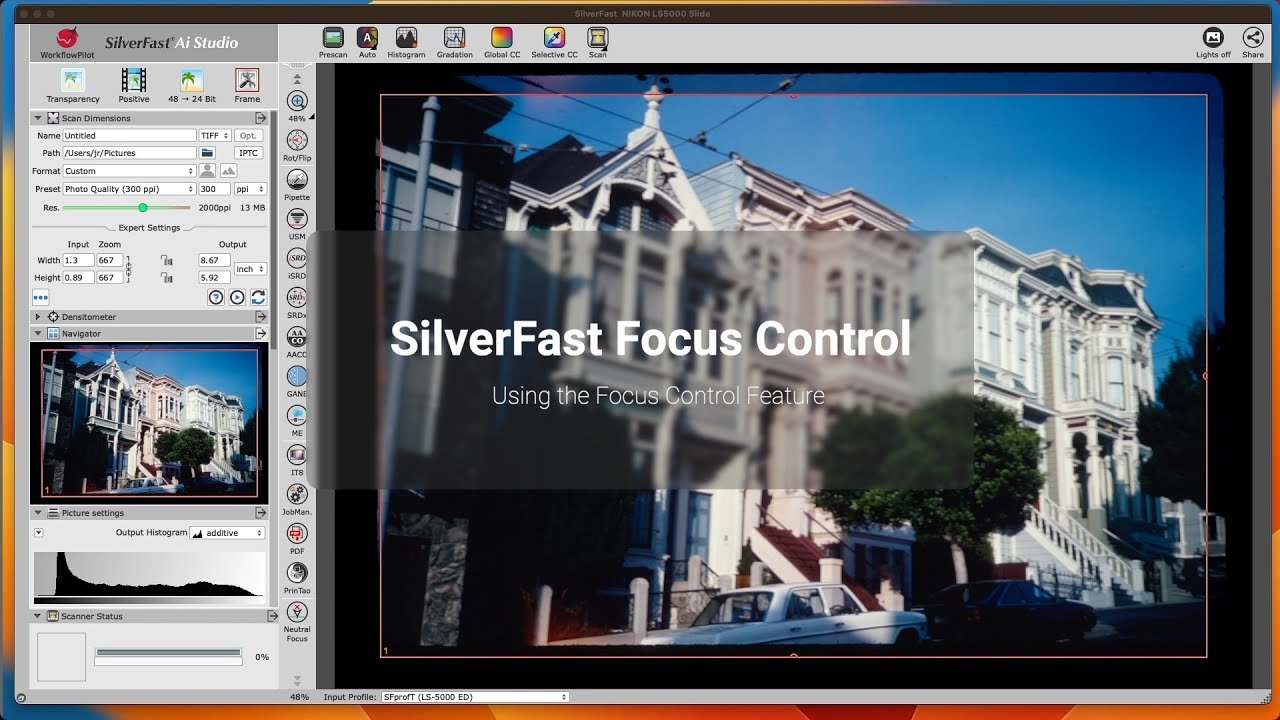
The SilverFast software changed the entire personality of the PrimeFilm scanner, adding professional-level control over the scans.


The PIE PrimeFilm XA is a scanner for digitizing film strips and film rolls with a focus functionality (automatic and manual). This scanner comes with SilverFast SE, which you can unlock for free on our website.
Unique Feature: SilverFast Focus Control – Learn more | Watch video
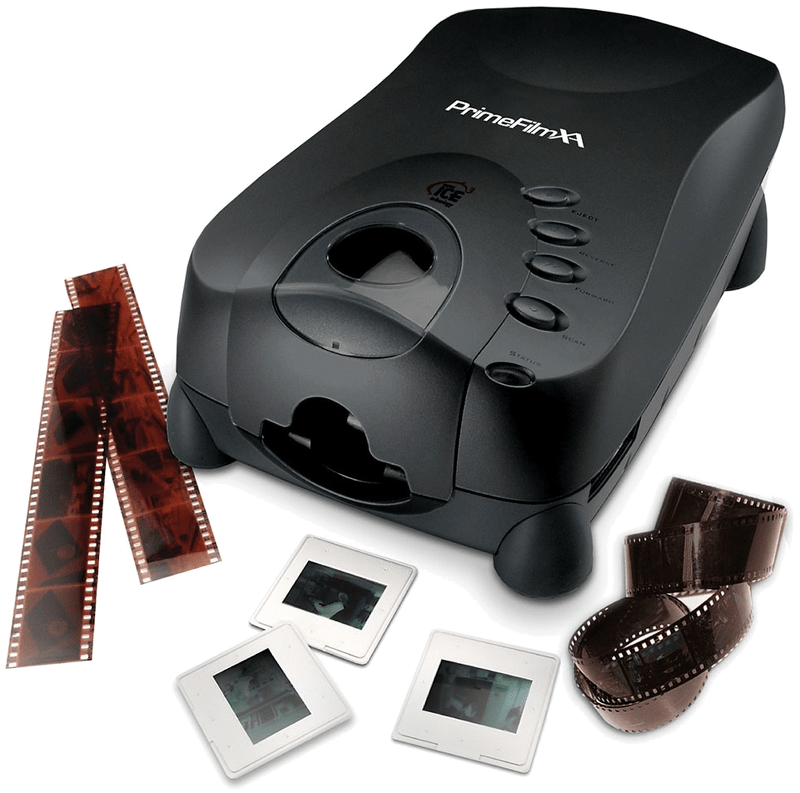
The PIE PrimeFilm XA has an automatic film strip feeder and a single slide slot. As one of just a few scanners, this device offers the possibility of digitizing entire 35mm film rolls up to a maximum of 40 exposures. To better utilize the full potential of your scanner, we recommend a discounted upgrade to SilverFast SE Plus, Ai Studio or the Archive Suite.
Film scanner for 35mm slides, film strips and rolls
Optical resolution of 10,000 ppi (manufacturer)
Dynamic Range of 4.2 DMax (manufacturer)
Bit depth: 48bit
SilverFast SE included
With Focus Control for optimal sharpness
Slide and filmstrip holders are not required for this scanner. You can insert a single framed slide in the front of the scanner. For film strips and rolls there is an automatic feeder on the side, which can process a strip and rolls with up to 40 individual images automatically.
The PrimeFilm XA scanner from PIE (Pacific Image Electronics) scans 35mm slides and film strips. According to the manufacturer it achieves up to 10,000dpi. The Dynamic Range of the scanner is specified with 4.2. Thus, the scanner achieves very good values, at least on the data sheet, which are sufficient for scans of very high quality. In practice however, the actual Dynamic Range should be well below 4.2 and SilverFast Multi-Exposure should be used. This Multi-Exposure funtionality, included with SilverFast SE Plus and Ai Studio as well as the Archive Suite, significantly increases the Dynamic Range and also reduces occurring image noise very effectively.
The SilverFast software changed the entire personality of the PrimeFilm scanner, adding professional-level control over the scans.
Choose between BASIC, PLUS and PREMIUM edition.

SilverFast Archive Suite
(Features may vary depending on scanner model.)
Try Buy
If you encounter any question or problem with SilverFast and your Pacific Image Electronics scanner, please visit our support overview page.
You can download the latest scanner drivers for your Pacific Image Electronics scanner model here at the manufacturer’s website.
Here you will find SilverFast‘s minimum system requirements regarding your computer hardware and operating systems.