
The SilverFast software changed the entire personality of the PrimeFilm scanner, adding professional-level control over the scans.


We have prepared a Special SilverFast Archive Suite Upgrade Offer for OpticFilm 120 owners. Purchase the upgrade for downloading through our Online Store.
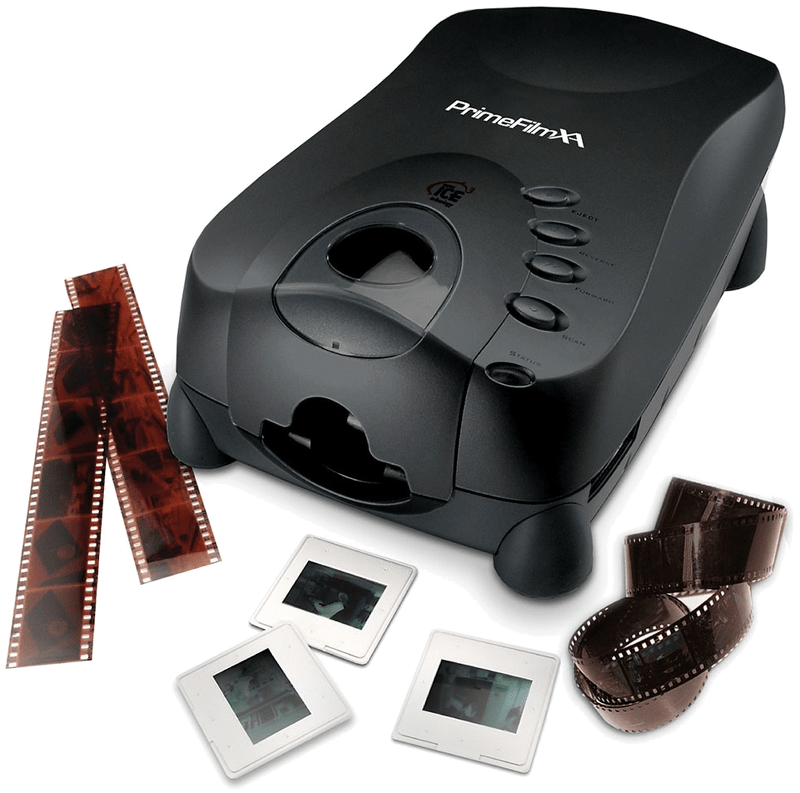
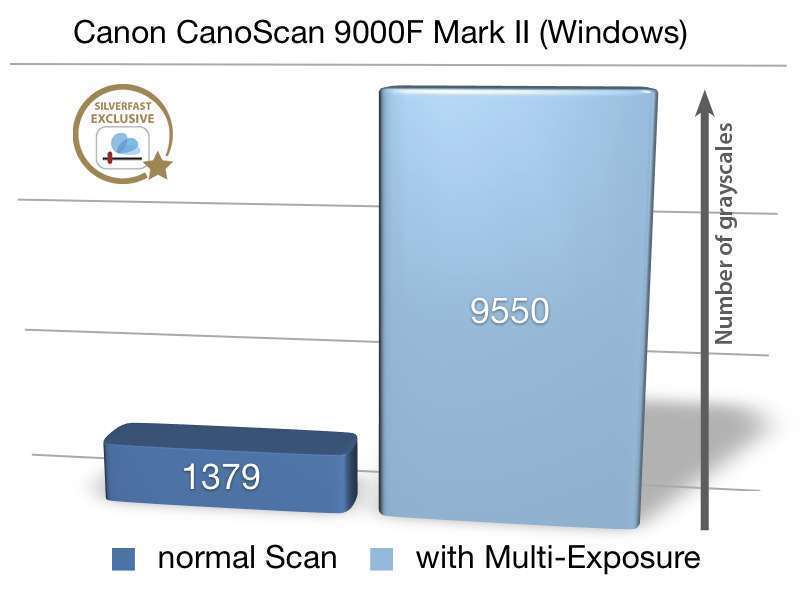
The PrimeFilm XA scanner from PIE (Pacific Image Electronics) scans 35mm slides and film strips. According to the manufacturer it achieves up to 10,000dpi. The Dynamic Range of the scanner is specified with 4.2. Thus, the scanner achieves very good values, at least on the data sheet, which are sufficient for scans of very high quality. In practice however, the actual Dynamic Range should be well below 4.2 and SilverFast Multi-Exposure should be used. This Multi-Exposure funtionality, included with SilverFast SE Plus and Ai Studio as well as the Archive Suite, significantly increases the Dynamic Range and also reduces occurring image noise very effectively.
The SilverFast software changed the entire personality of the PrimeFilm scanner, adding professional-level control over the scans.

The PACIFIC IMAGE ELECTRONICS PIE PrimeFilm XA is designed as a large format scanner for graphic arts scanning. In addition, an optional transparency unit turns it into an archiving solution for slides, negatives and filmstrips as well. Using different film holders, the PIE PrimeFilm XA batch scans up to fourty-eight 35mm negatives, thirty 35mm slides, eight 4×5” transparencies or six medium-format transparencies.

In November 2014, Epson introduced the Epson Perfection V800 Photo, successor to the Epson Perfection V700 Photo, which has been on the market since eight years. Finally, after having waited a vast amount of time, the scanning folks welcome the introduction of the succesor to the well-tried Perfection V700 Photo. If after 8 years, a V700 evolves into a V800, …
Choose between BASIC, PLUS and PREMIUM edition.

SilverFast Archive Suite
(Features may vary depending on scanner model.)
Try Buy
If you encounter any question or problem with SilverFast and your Pacific Image Electronics scanner, please visit our support overview page.
You can download the latest scanner drivers for your Pacific Image Electronics scanner model here at the manufacturer’s website.
Here you will find SilverFast‘s minimum system requirements regarding your computer hardware and operating systems.


