AACO
AACO ACR
ACR Automática de imagen
 Calibración ICC
 Calibración IT8
 ColorServer
 Concepto vista previa
 Control de Enfoque
 Densitómetro Múltiple
 Destramado
 Detección de marcos
 Escaneo por lotes
 ExpressScan
 Formato LAB
 GANE
GANE GCC
GCC HDRiRAW
 Herramienta Clonar
 Histograma a 16 bit
 Imagen a Web
 iSRD
iSRD JobManager
 JobMonitor
 Modo Experto
 Modo Kodachrome
 Multi-Exposure
 Multi-Tasking
 NegaFix
 Pipeta neutral
 PrinTao
 SAC
SAC SC2G
SC2G SCC
SCC SRDx
SRDx USM
USM VLT
VLT Vídeos de ayuda
 WorkflowPilot

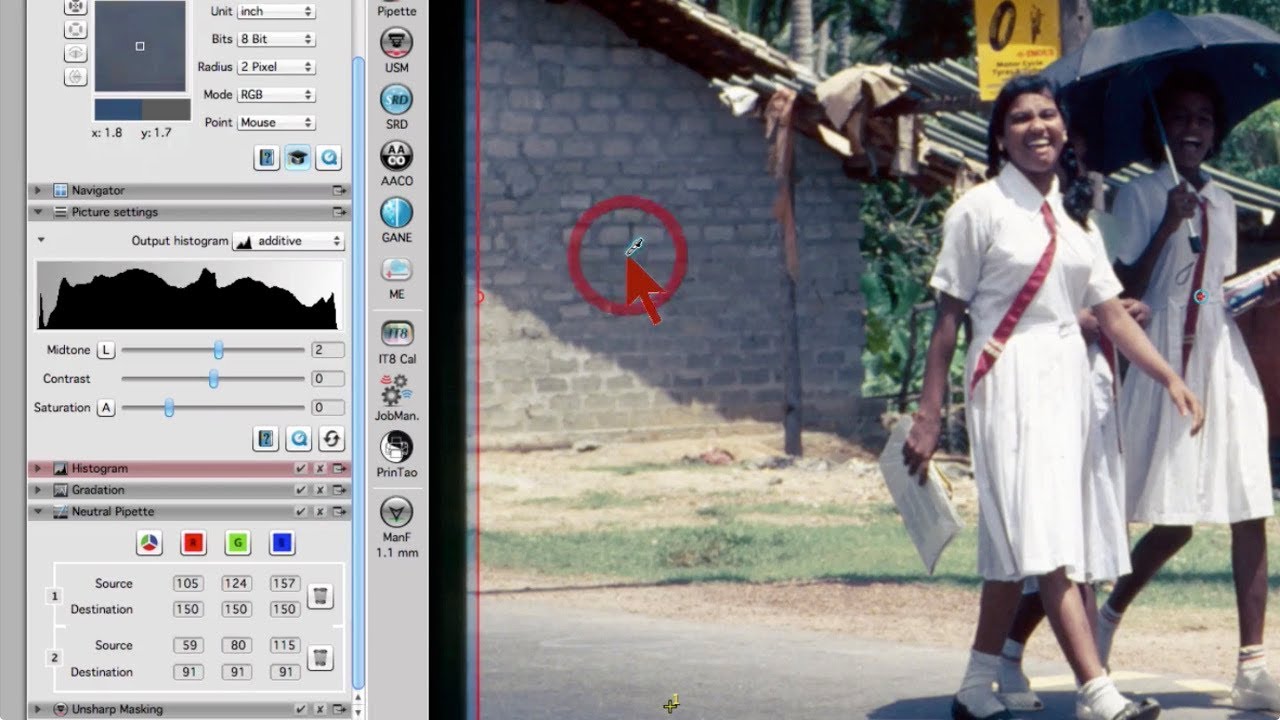
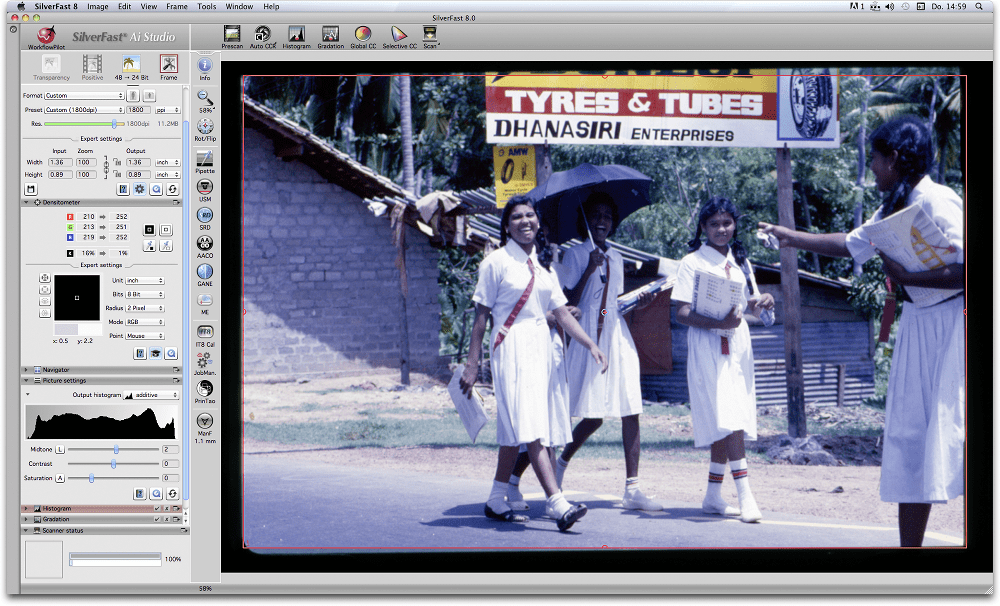
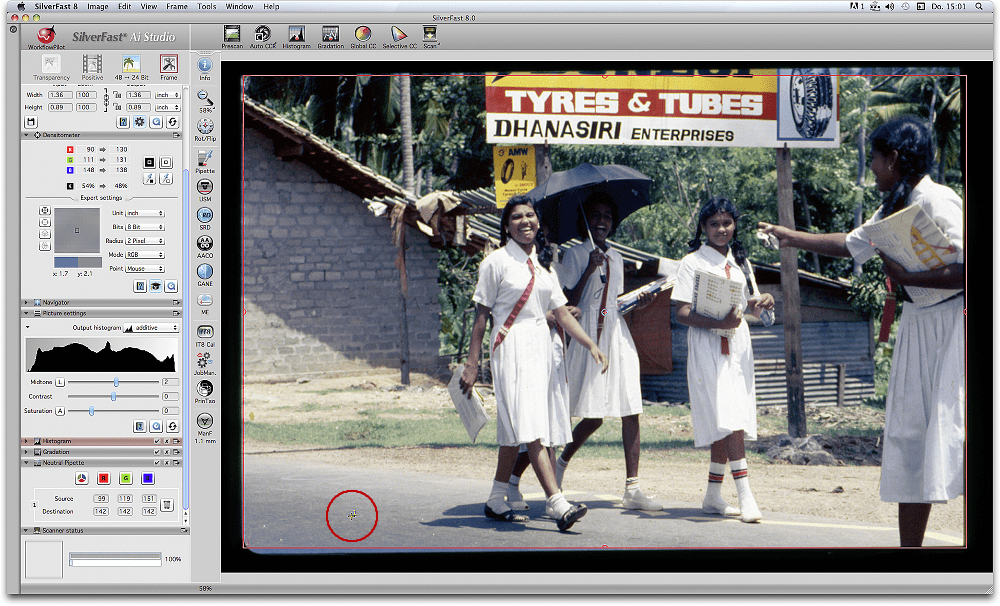
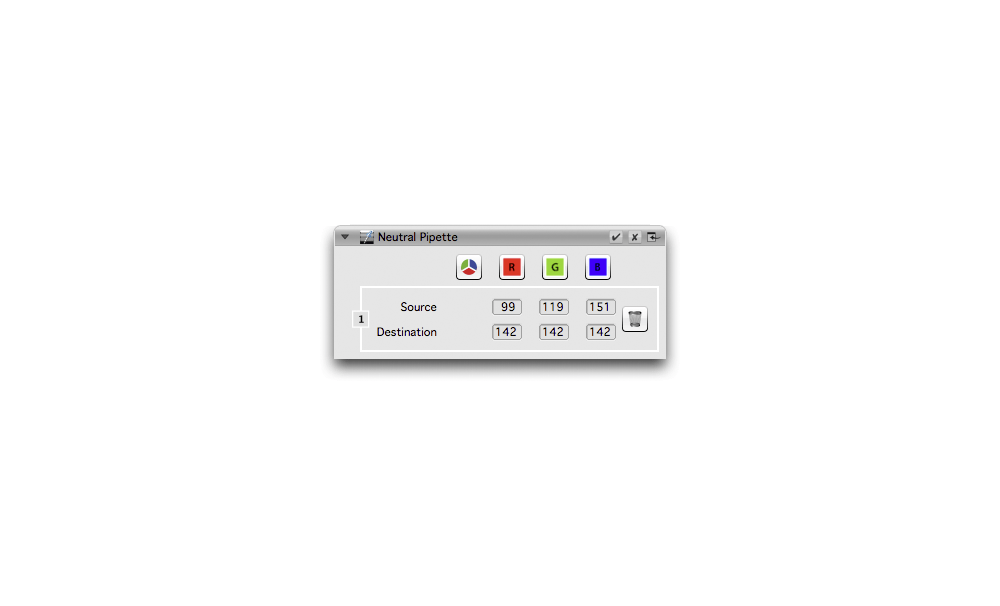
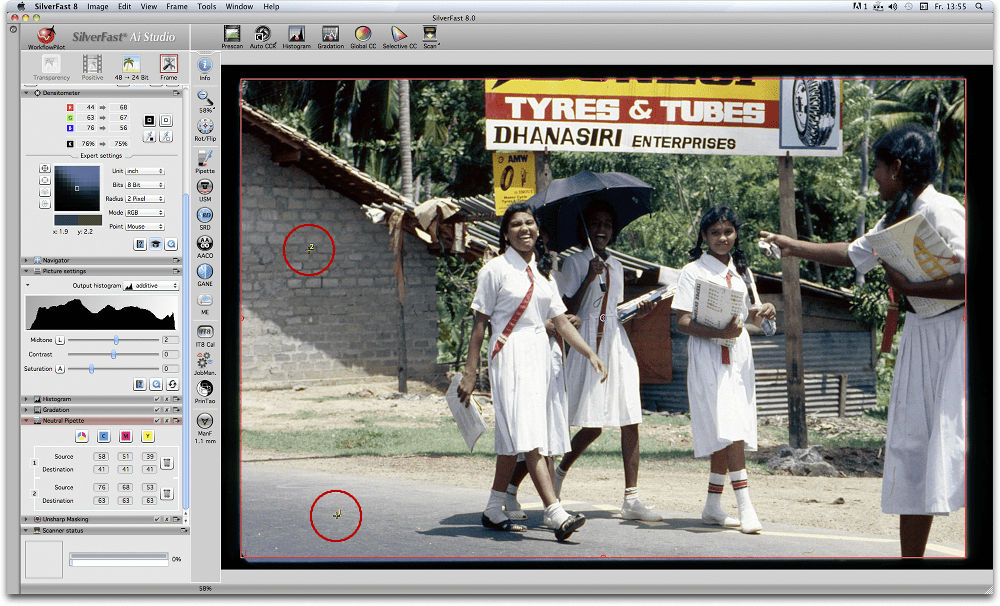
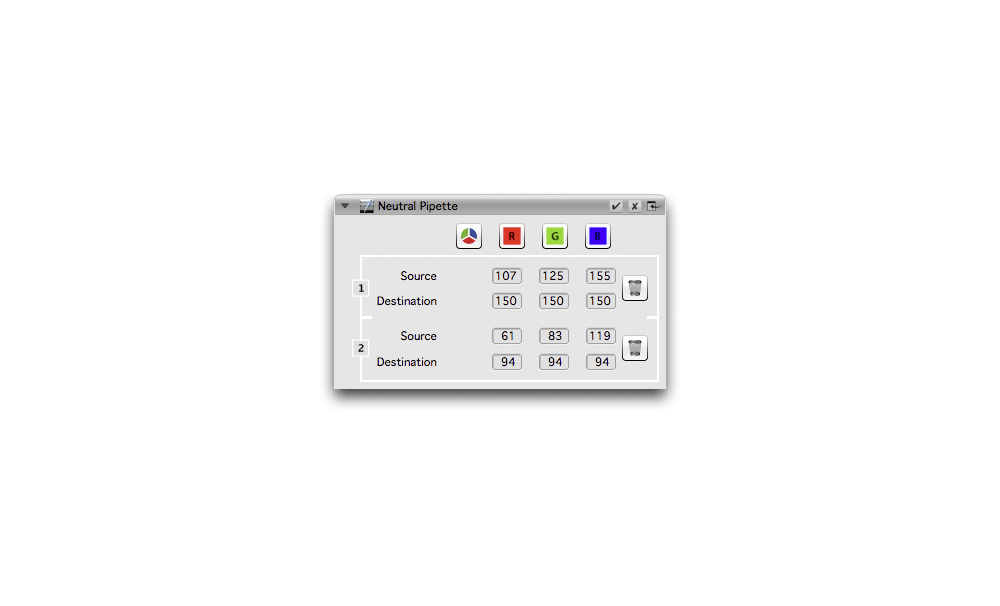

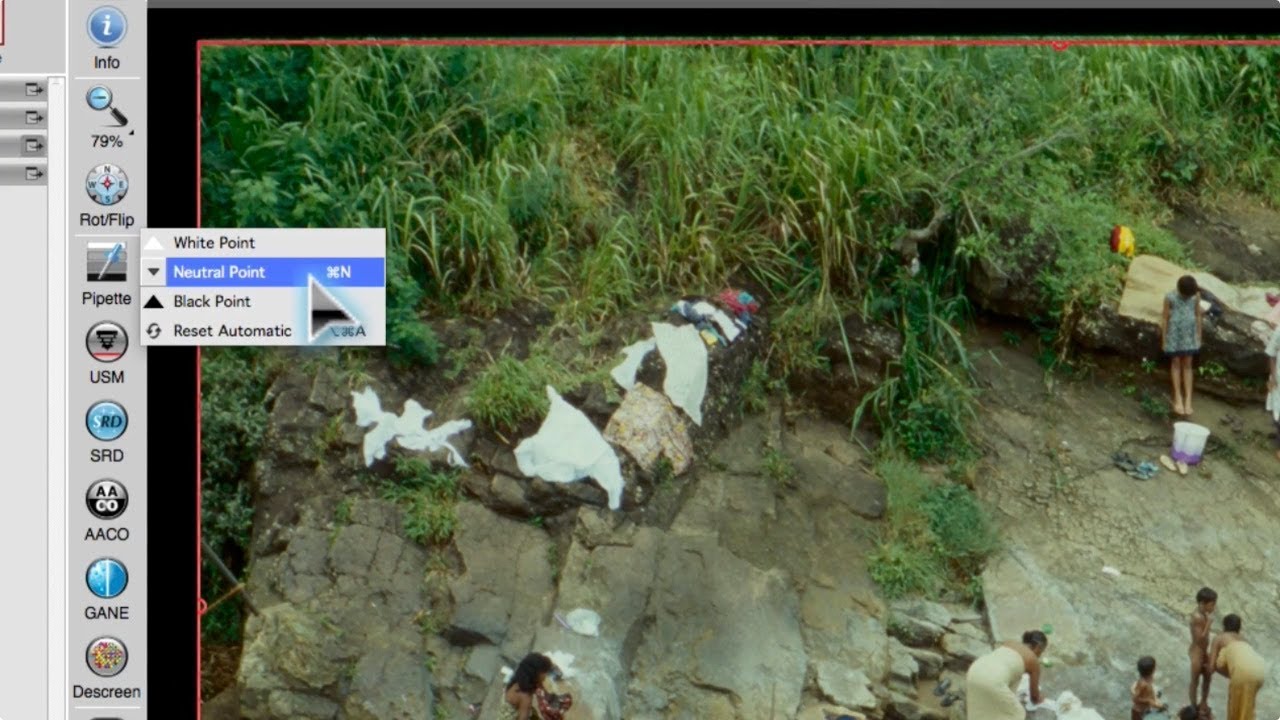
La herramienta de pipeta de SilverFast 8 es imbatible. Al escanear imágenes con dominancias de color, simplemente hay que hacer clic en un área de la imagen que debe ser de color neutral y la dominancia desaparece. Esta es una herramienta ideal para mi, un absoluto principiante en la edición de imágenes.