English [change]
 English
 Deutsch
 Français
 Italiano
 日本語
日本語 Español
 Português
 Russian
 Chinese (Simp.)
 Czech
Czech Polish (Store only)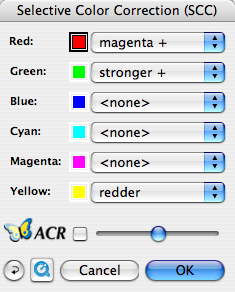
Selective Color Correction is a powerful tool to correct single colors without effecting others, which happens when using Global Color Correction. This will enable you to achieve complex color corrections very easily and is a must for quality color work!
SilverFast's SE and SE Plus has a simple Selective Color Correction built upon practical presets that are selected from a Pop-Up menu.
Just click onto the color you would like to correct and SilverFast will automatically recognize and select the relevant color for you. Then you just select from the presets i.e. "brighter" or "stronger" or "redder", the relevant correction preset and you will immediately see the effect on your preview picture.
In addition you can always combine the effect with ACR - Adaptive Color Restoration to make the effect stronger or weaker.
Click to enlarge images.
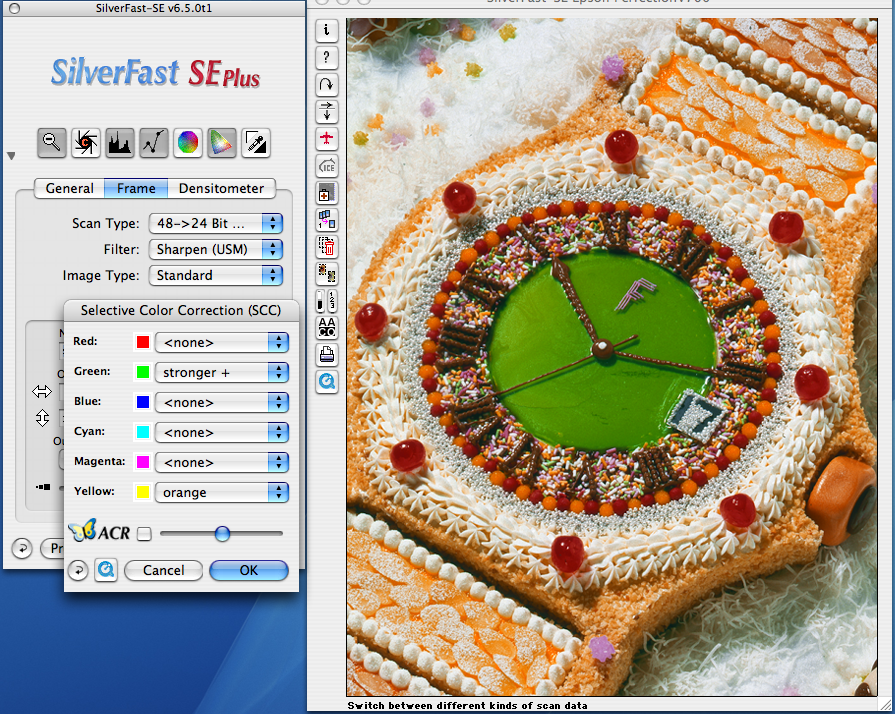
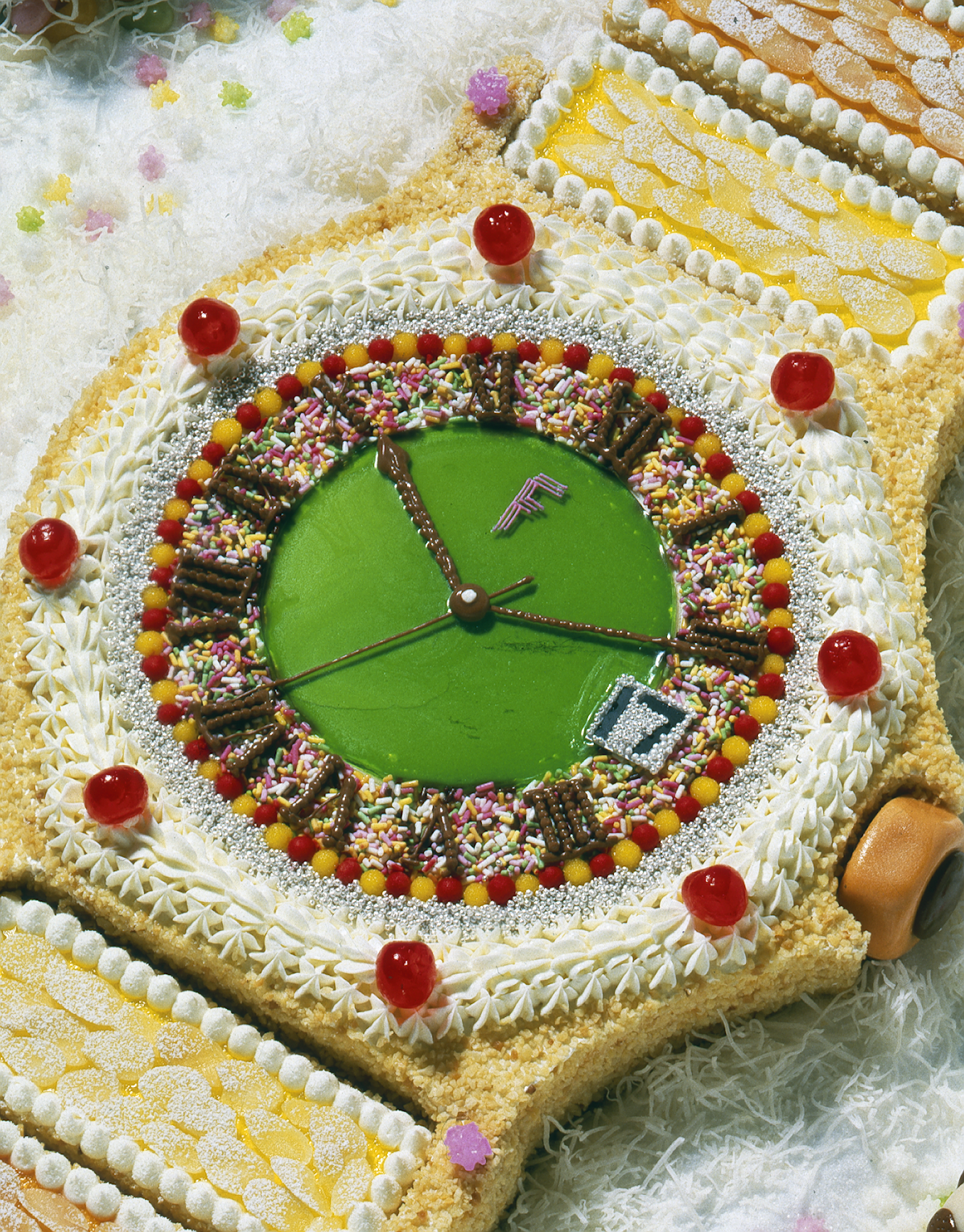 |
 |
| Original Image | Corrected Image |