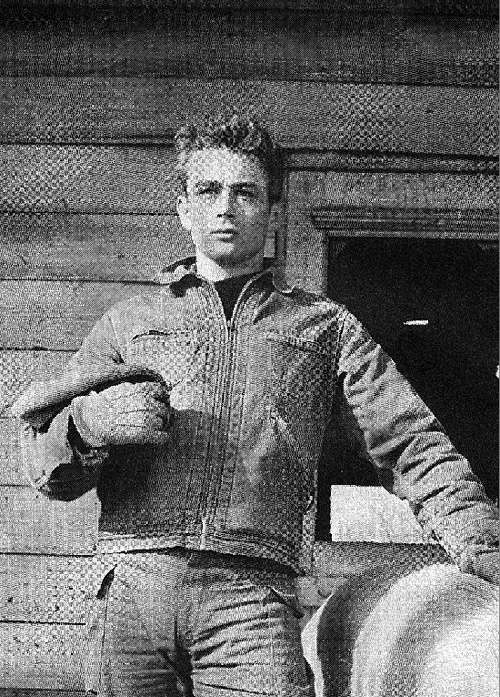
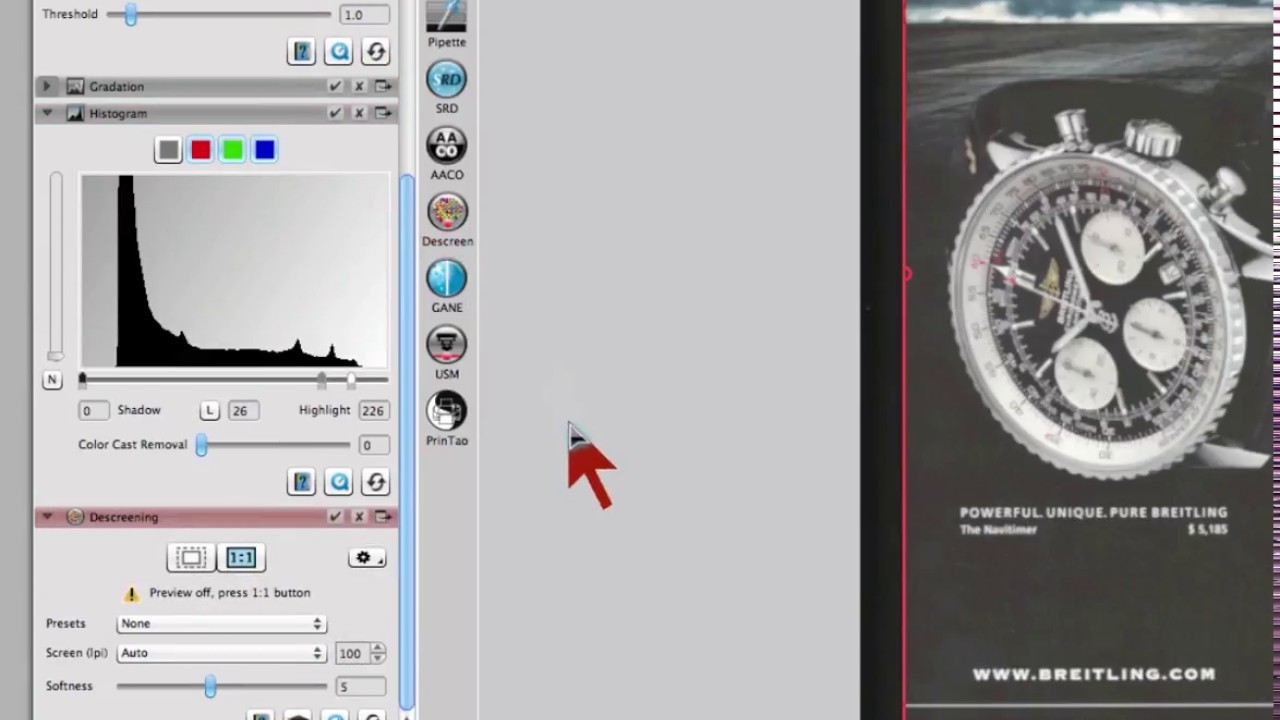
Un destramado siempre se enfrenta con el desafío de identificar la cuadrícula utilizada. El que intente realizar un destramado en Photoshop utilizando filtros, se dará cuenta rápidamente de que los detalles de la imagen no se conservan porque los filtros disponibles y el flujo de trabajo de Photoshop no son adecuados para el proceso de destramado.
El genial proceso de destramado de SilverFast utiliza una Transformada de Fourier compleja para definir la cuadrícula y determinar la mejor resolución de escáner posible para el proceso de destramado. Con el destramado generalmente se pierde un poco de nitidez. La pérdida de nitidez se puede compensar utilizando simultáneamente una máscara de nitidez durante el proceso de destramado.


 AACO
AACO ACR
ACR Automática de imagen
 Calibración ICC
 Calibración IT8
 ColorServer
 Concepto vista previa
 Control de Enfoque
 Densitómetro Múltiple
 Destramado
 Detección de marcos
 Escaneo por lotes
 ExpressScan
 Formato LAB
 GANE
GANE GCC
GCC HDRiRAW
 Herramienta Clonar
 Histograma a 16 bit
 Imagen a Web
 iSRD
iSRD JobManager
 JobMonitor
 Modo Experto
 Modo Kodachrome
 Multi-Exposure
 Multi-Tasking
 NegaFix
 Pipeta neutral
 PrinTao
 SAC
SAC SC2G
SC2G SCC
SCC SRDx
SRDx USM
USM VLT
VLT Vídeos de ayuda
 WorkflowPilot