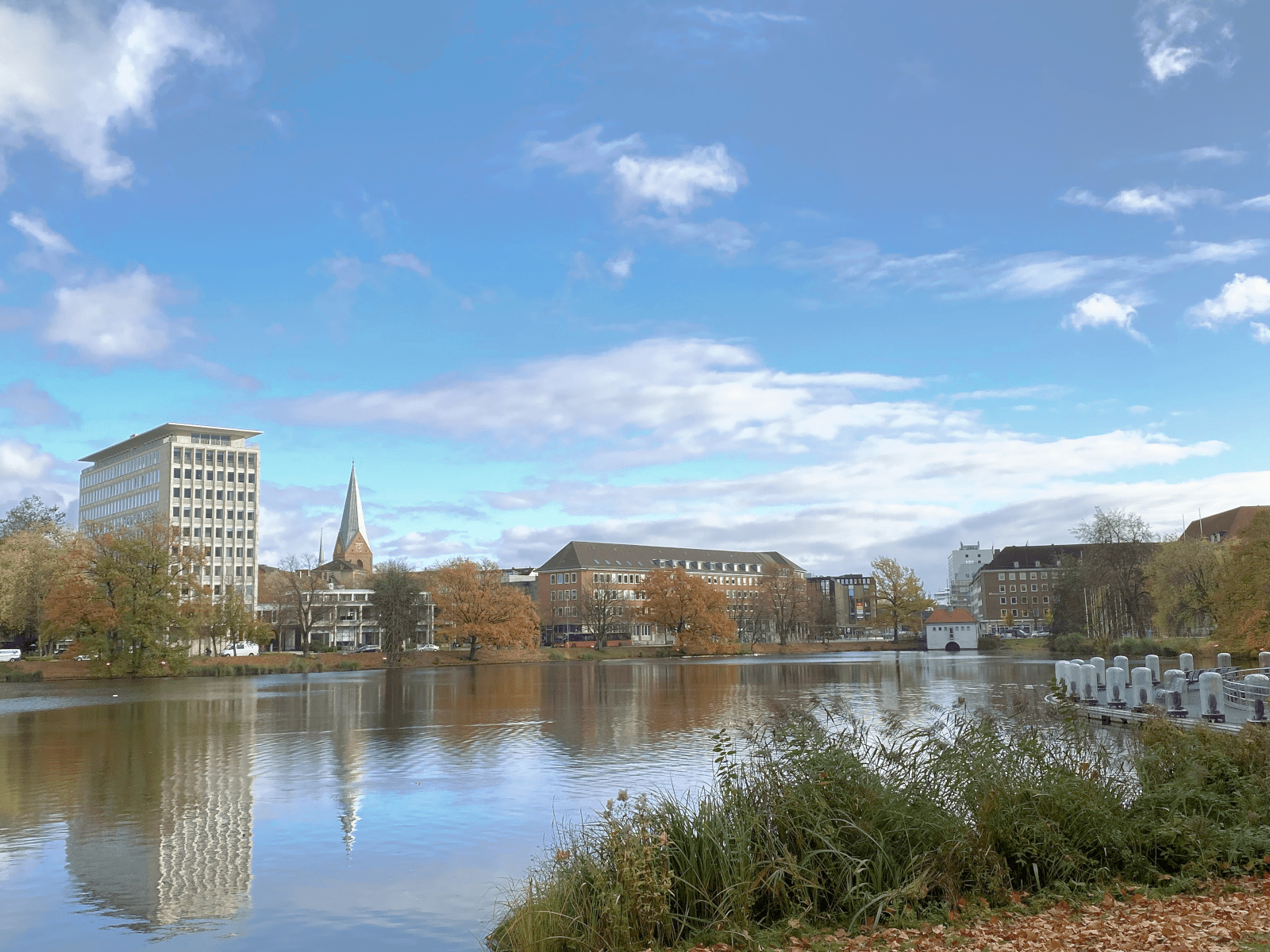
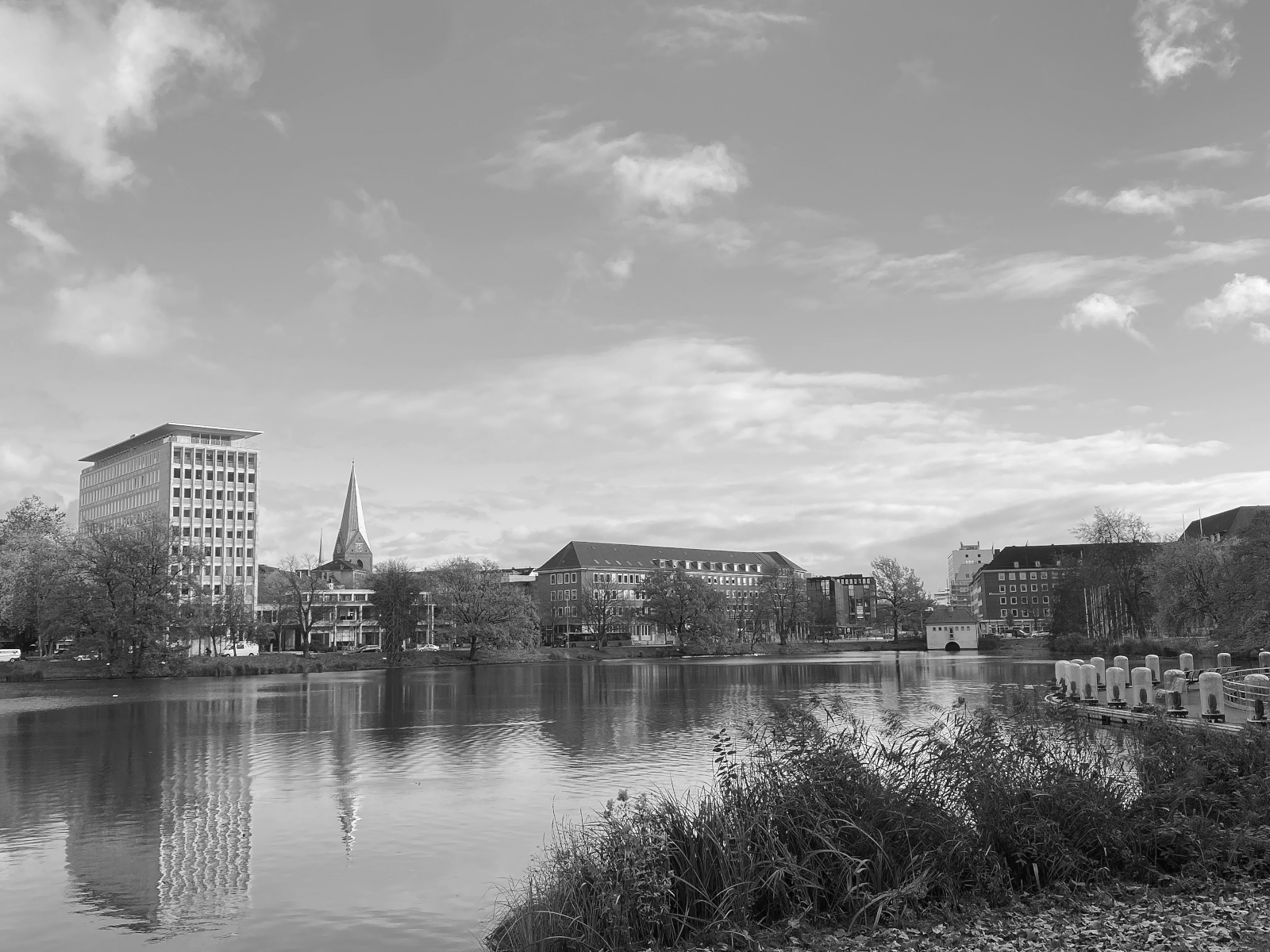
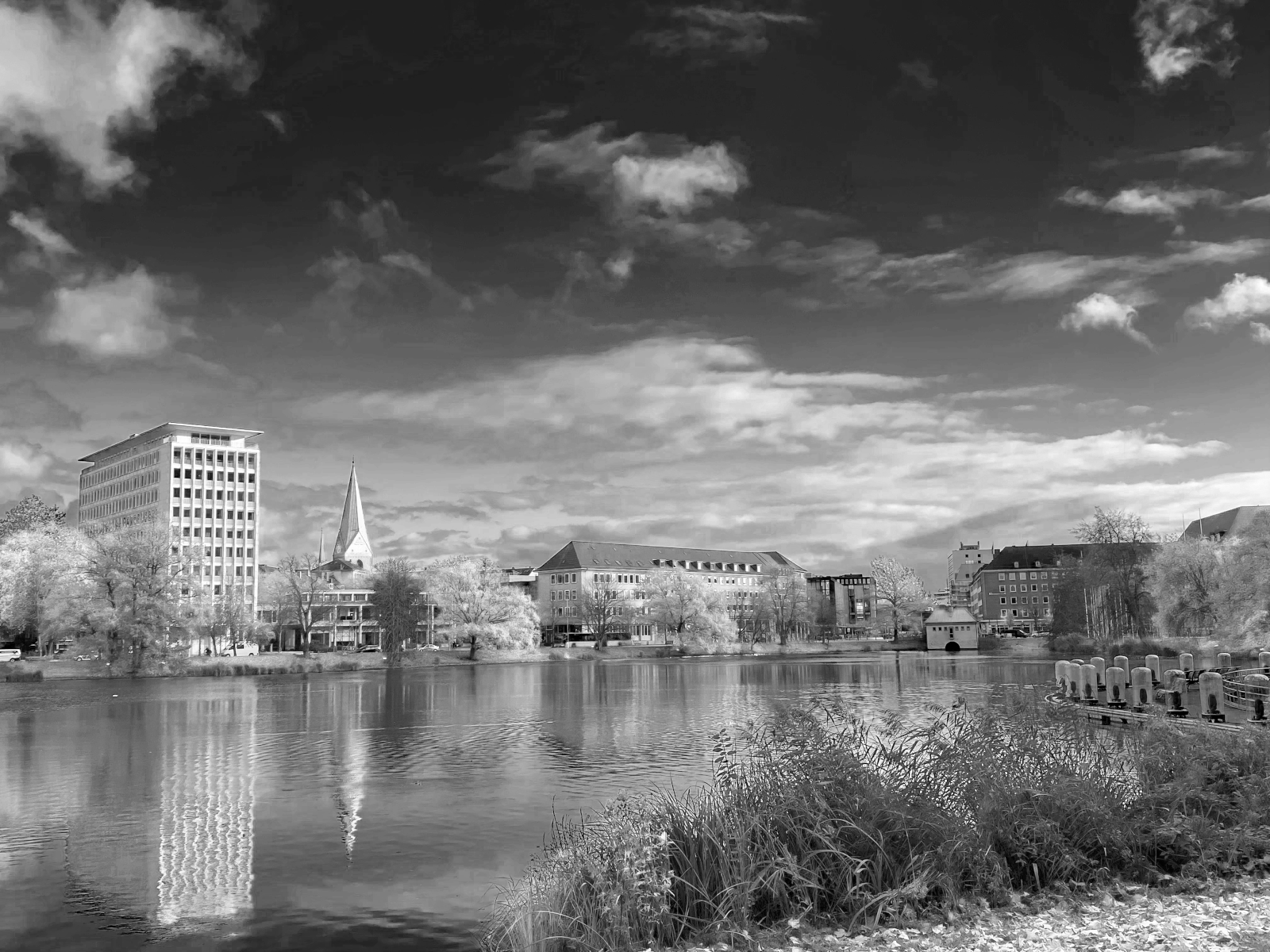
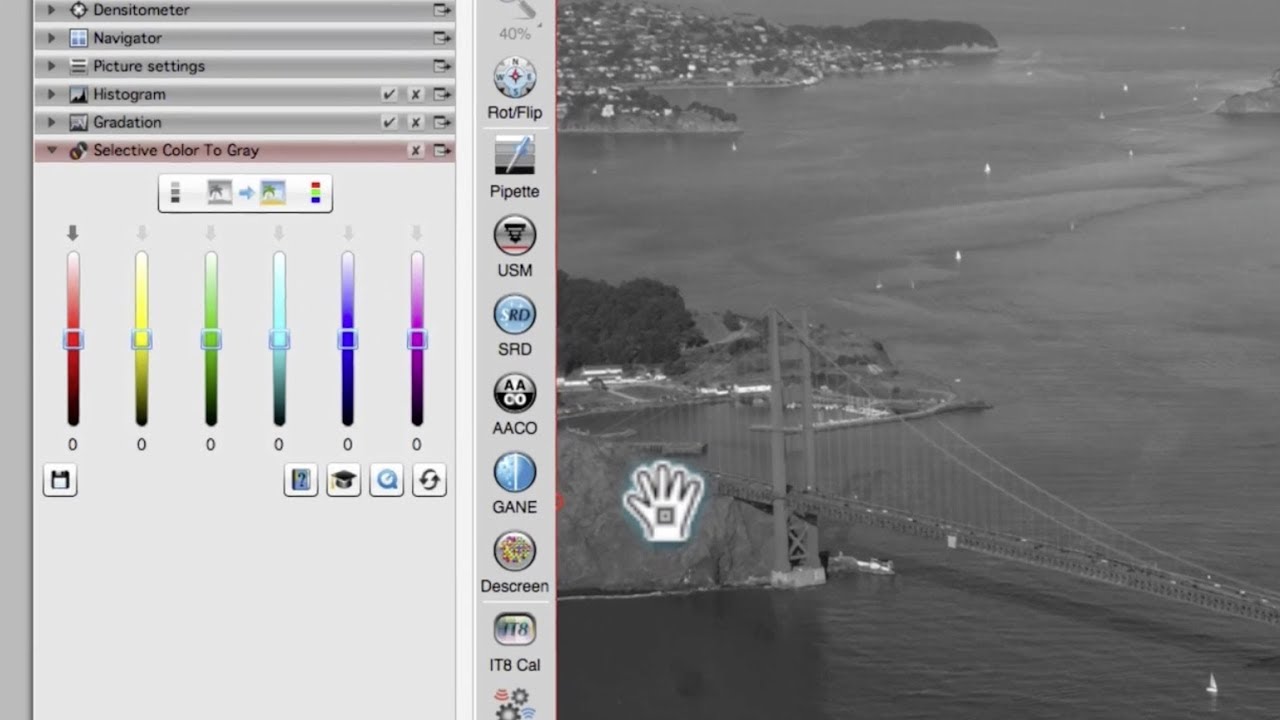
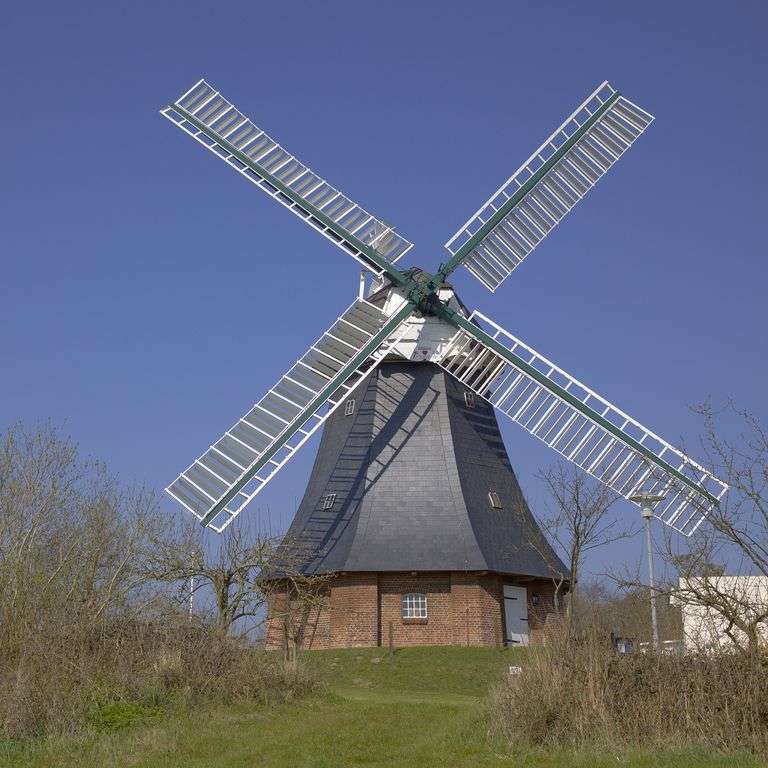
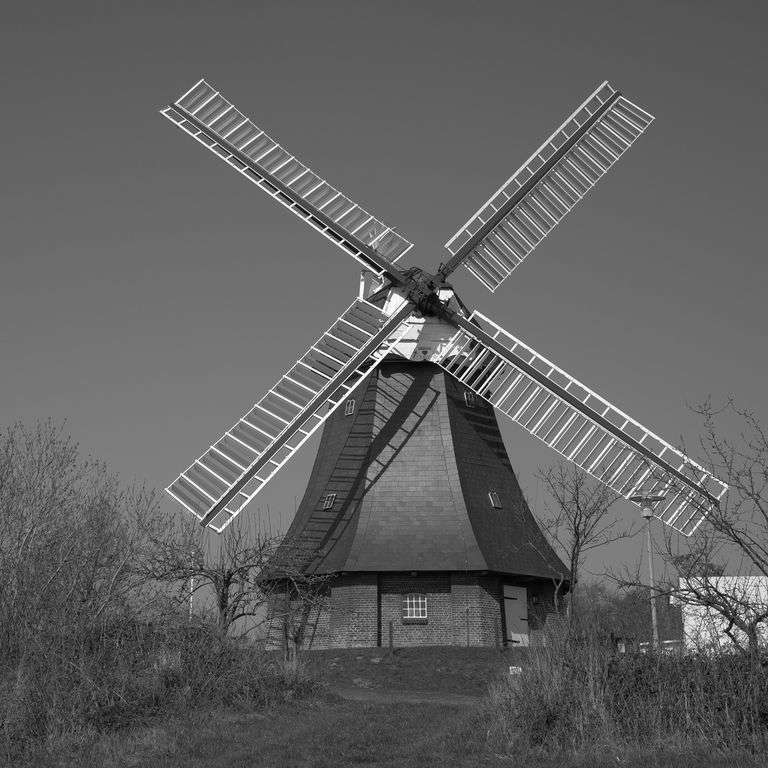
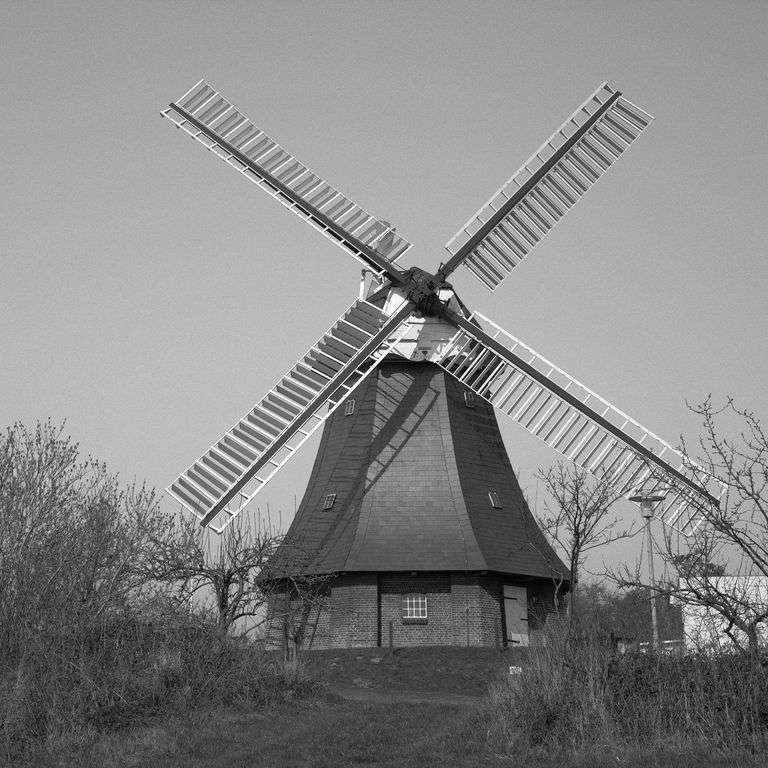
La fácil y clara diferenciación entre los diferentes colores en la imagen original a color puede perderse fácilmente en un proceso automático de conversión si las escalas de gris resultantes están demasiado juntas. Por este motivo, las imágenes a escalas de gris en revistas y periódicos muchas veces muestran solo muy pocas sombras. SC2G (Color selectivo a gris) de SilverFast consigue la diferenciación de escalas de gris por medio del proceso de conversión controlable. El usuario puede determinar él mismo las escalas de gris resultantes para todos los seis colores (rojo, verde, azul, cian, magenta, amarillo). Durante todo el proceso, el usuario puede ir probando cuál escala de gris desea colocar en qué lugar. Así se llega a un resultado rápido y convincente.


 AACO
AACO ACR
ACR Automática de imagen
 Calibración ICC
 Calibración IT8
 ColorServer
 Concepto vista previa
 Control de Enfoque
 Densitómetro Múltiple
 Destramado
 Detección de marcos
 Escaneo por lotes
 ExpressScan
 Formato LAB
 GANE
GANE GCC
GCC HDRiRAW
 Herramienta Clonar
 Histograma a 16 bit
 Imagen a Web
 iSRD
iSRD JobManager
 JobMonitor
 Modo Experto
 Modo Kodachrome
 Multi-Exposure
 Multi-Tasking
 NegaFix
 Pipeta neutral
 PrinTao
 SAC
SAC SC2G
SC2G SCC
SCC SRDx
SRDx USM
USM VLT
VLT Vídeos de ayuda
 WorkflowPilot