El software SilverFast cambia totalmente las características del escáner PrimeFilm y permite un control profesional sobre los escaneos.


This scanner comes with SilverFast SE, which you can unlock for free on our website.
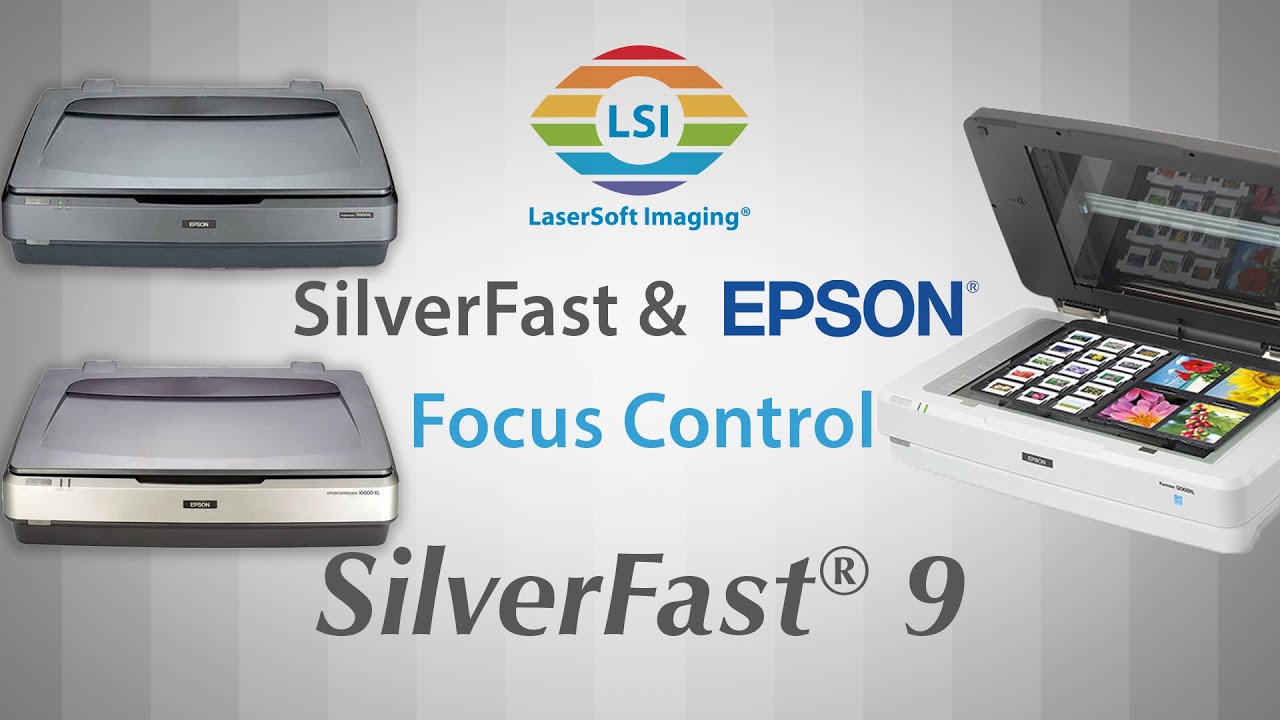
Unique Feature: SilverFast Focus Control – Learn more | Watch video
To better utilize the full potential of your scanner, we recommend a discounted upgrade to SilverFast SE Plus, Ai Studio or the Archive Suite.
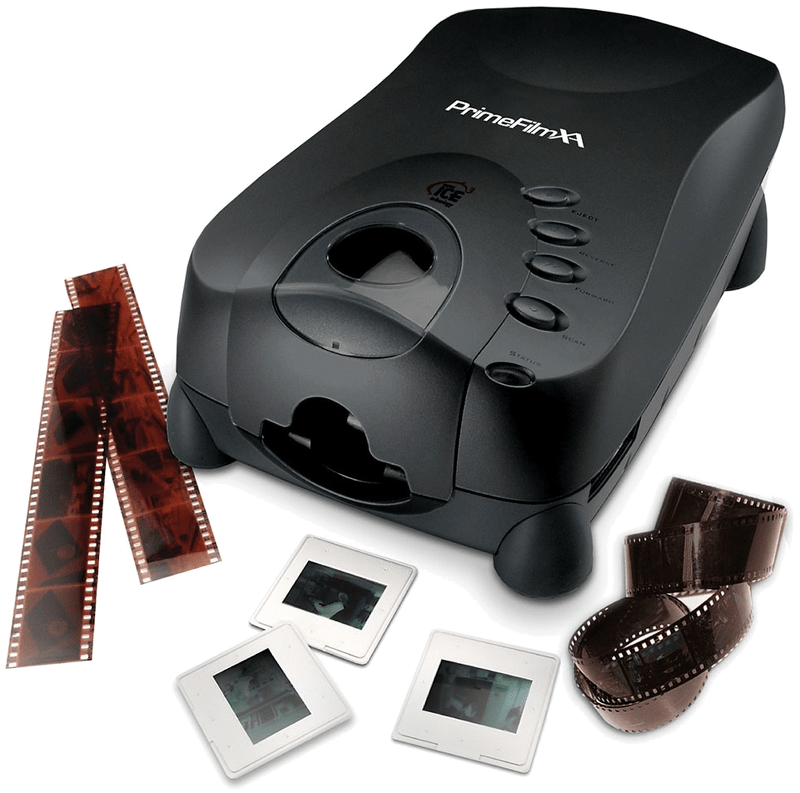
Film scanner for 35mm slides and filmstrips
Optical resolution of 10,000 ppi (manufacturer)
Optical density of 4.2 DMax (manufacturer)
SilverFast SE included
With Focus Control for optimal sharpness
Slide and filmstrip holders are not required for this scanner. You can insert a single framed slide in the front of the scanner. For filmstrips there is an automatic feeder on the side, which can process a filmstrip with up to 40 individual images automatically.
The PrimeFilm XA scanner from PIE (Pacific Image Electronics) scans 35mm slides and film strips. According to the manufacturer it achieves up to 10,000dpi. The Dynamic Range of the scanner is specified with 4.2. Thus, the scanner achieves very good values, at least on the data sheet, which are sufficient for scans of very high quality. In practice however, the actual Dynamic Range should be well below 4.2 and SilverFast Multi-Exposure should be used. This Multi-Exposure funtionality, included with SilverFast SE Plus and Ai Studio as well as the Archive Suite, significantly increases the Dynamic Range and also reduces occurring image noise very effectively.
El software SilverFast cambia totalmente las características del escáner PrimeFilm y permite un control profesional sobre los escaneos.
Elija entre las ediciones BASIS, PLUS y PREMIUM.

SilverFast Ai Studio
Todas las funciones de SE & SE Plus y, además:
(Las características pueden variar según el escáner.)
Probar Comprar

SilverFast Archive Suite
(Las características pueden variar según el escáner.)
Probar Comprar
Si tiene alguna pregunta o problema con SilverFast y su escáner PIE PrimeFilm XA, visite nuestra página de descripción general de soporte.
Puede descargar los controladores de escáner más recientes para su modelo de escáner Pacific Image Electronics en el sitio web del fabricante.
Aquí encontrará los requisitos mínimos del sistema para SilverFast con respecto al hardware y los sistemas operativos de su computadora.