Quick Links


Support-Werkzeug Kontakt

Sollte SilverFast sich nicht mehr öffnen lassen, können Sie uns über das folgende Support-Werkzeug kontaktieren. Dieses hat den Vorteil, dass uns automatisch Ihre SilverFast Supportdateien übermittelt werden.

Support-Werkzeug für OS X/macOS

Bitte führen Sie einen Doppelklick auf die DMG Datei aus, um diese zu mounten. Führen Sie anschließend das darin enthaltene "SilverFast Support-Tool" aus.

Support-Werkzeug für Windows

Bitte extrahieren Sie die Daten aus dem ZIP-Archiv. Führen Sie anschließend das darin enthaltene "SilverFast Support-Tool" aus.
 
Support-Assistent (FAQ)
My EPSON V700/750/800/850 does not create sharp images.

SymptomSymptom:
My EPSON Perfection V700/750/800/850 does not produce sharp scans.

ProblemProblem:
The EPSON Perfection series has a fix-focus lens system. It can only switch between two separate focus layers.

Some software automatically applies software sharpening filters to images from these scanners. In SilverFast these filters have to be activated manually.

LösungLösung:
The focus layer being used is controlled by the scan mode which is in use.

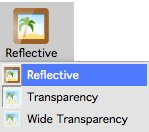
The Reflective mode always places the focus at the surface of the glass plane.


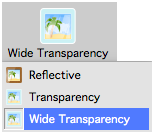
The Wide Transparency mode also places the focus at the surface of the glass plane and scans the entire width of the transparency unit. Please note that the transparency area is slightly smaller than the glass plane. The maximum resolution in this mode is limited and it can not offer infrared correction.


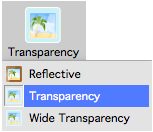
The normal Transparency mode places the focus at the hight of the film holder. A film holder should always being used while this mode is active. This mode offers the maximum resolution and infrared correction.


You can further control the focus by adjusting the hight of the film holder.

The V700/750 holders have feet which can be switched to two different settings. This is changed by either inserting the feet so the arrow points towards the normal (0) or the slightly higher (+) position.
 

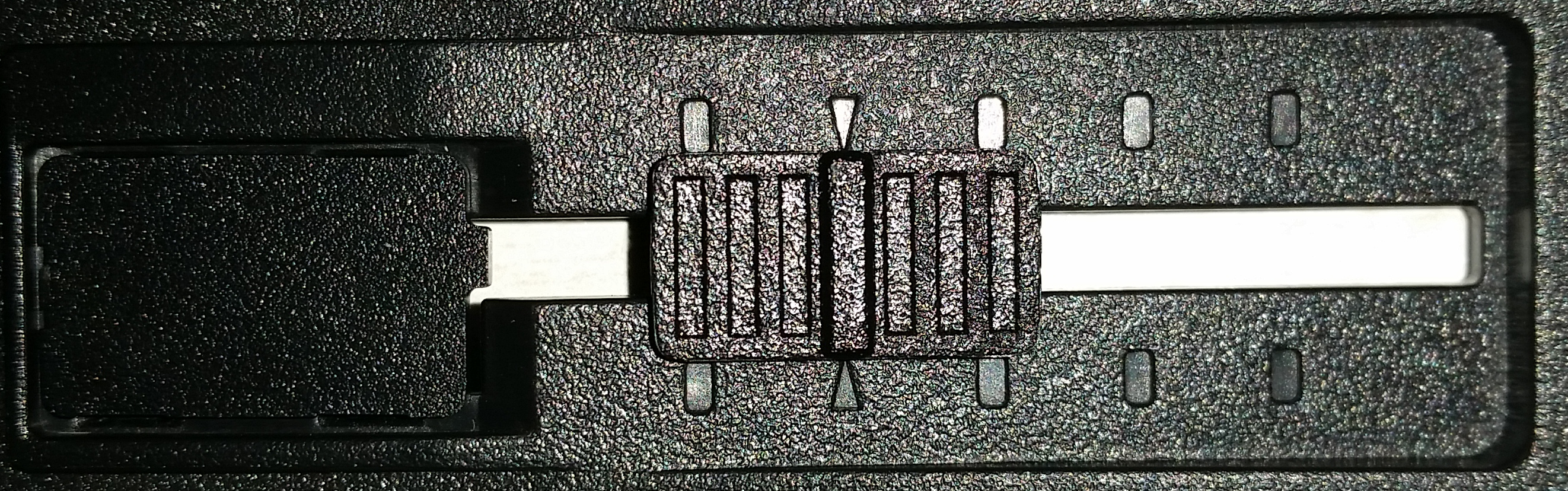
The V800/850 holders have sliders which allow to place the holder in a slightly lower or in three higher positions. The standard position is indicated by the arrow shaped notch.


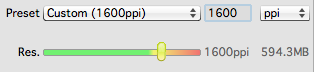
Also make sure that you have selected a sufficiently high resolution.

The Resolution defines the amount of details in your scanned image.


Additionally you can use the USM (UnSharpening Mask) to sharpen the images software sided.


Mein Problem ist nun gelöst. Mein Problem ist noch nicht gelöst.
Start Zurück