English [change]
 English
 Deutsch
 Français
 Italiano
 日本語
日本語 Español
 Português
 Russian
 Chinese (Simp.)
 Czech
Czech Polish (Store only)

Here comes SilverFast HiRePP®
Normally loading large image data (500 MB or higher) can be quite slow. With Photoshop it can take up to 3 minutes or more to load a 500 MB image.
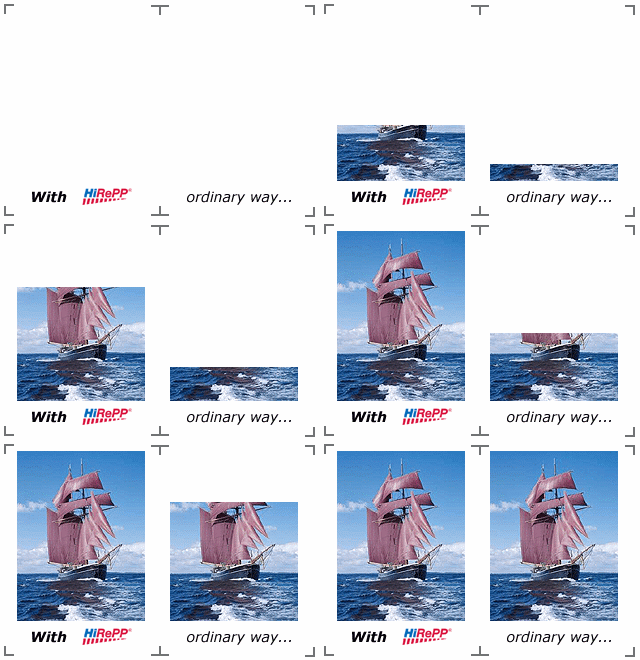
SilverFast HiRePP will dramatically speed up the process of loading and working large image files.
HiRePP® Highlights:
- Fastest industry imaging performance on standard PCs and Macs
- Working with large files (500 MB and higher) in realtime
- HiRePP with SilverFast JobManager to work with multiple images
How does HiRePP work?
HiRePP is working in 2 steps:
1. SilverFast HiRePP Scan
When scanning image data to a disk with SilverFast Ai, the HiRePP function implements the HiRePP requirements into the data.
2. SilverFast HDR Image Processing with HiRePP®
With SilverFast HDR the file can now be loaded and processed using the speed of HiRePP.