 français [modifier]
 English
 Deutsch
 Français
 Italiano
 日本語
日本語 Español
 Português
 Russian
 Chinese (Simp.)
 Tchèque
 Polonais (seulement boutique)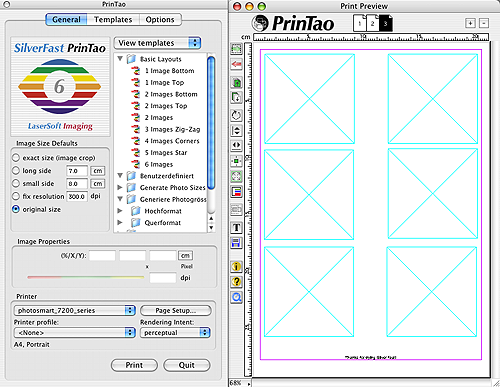
You don't have to start your layout from scratch - PrinTao supports templates, allowing you to reduce repeptitive steps in your layout process. You can either use predefined templates included in PrinTao or create your own.
Predefined Templates:
One predefined template can be selected for all pages of the print job. Or the user can assign a different template to each page. Importing images is as simple as a one keystroke or Drag&Drop. The images can be adjusted in their size or parts of the image can easily be cropped.
User-defined Templates:
In order to create user-defined templates our predefined templates can be used as a starting point and be modified to suit the user's needs. Users can also create user-defined templates by freely positioning text and images on the print sheet.
The template generator assists in designing the layout. Certain parameters such as the amount of images on one page and its spacing can be preset here.