 português [modificar]
 English
 Deutsch
 Français
 Italiano
 日本語
日本語 Español
 Português
 Russian
 Chinese (Simp.)
 Tcheco
 Polish (Store only)
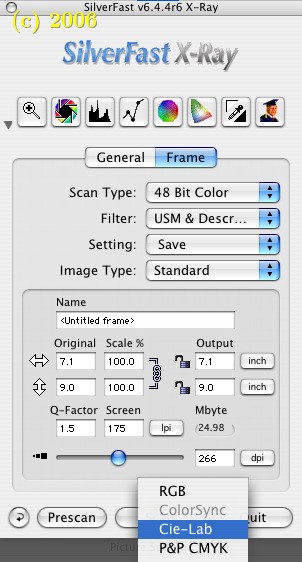
In color management, you can have two types of workflow: an early binding and late binding workflow. In the early binding workflow you convert all colors into the final output space as soon as possible. In a late binding workflow, you delay the conversion as long as you possibly can.
An early binding workflow has the advantage that color management becomes easy: you don't have to think about color conversions, the colors the operators and designers see on their monitors are accurate, and designers can't make wrong color space assumptions because everybody is working in the same color space.
In prepress environments, CMYK scanning is often preferred, but it has disadvantages too, of course. The main disadvantage is that it is totally inflexible. It can only be used in a 'closed' environment where everybody indeed uses the same conventions in terms of color and color space. A freelance designer, for example, would have to comply to the CMYK workflow expressly.
If she were to lack the necessary equipment and knowledge, she would not be able to fit into the workflow easily.
Nevertheless, SilverFast makes early binding easy by supporting it with a profile-based one-click interface.
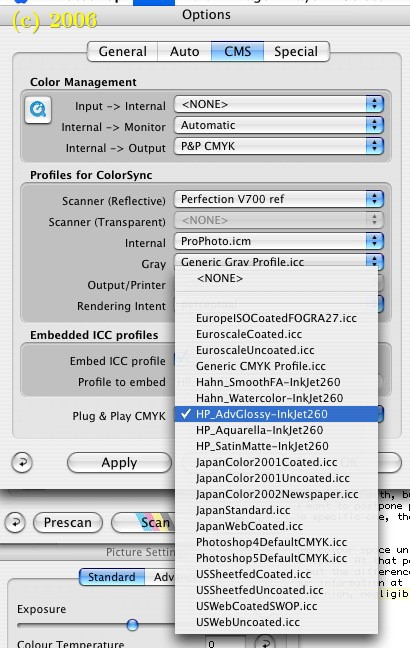
CIELAB Color
SilverFast has yet another color space that you can scan into: CIE LAB. This is the largest color space we can work with, but it isn't very intuitive. In a workflow where you want to postpone profile binding until someone tells you to use a specific one, though, it can be quite useful.
You can keep the scanned image in the LAB color space until you are required to fit it into a smaller color space. At that point, some of the color information will be lost, but the difference between scanning in RGB or CMYK and losing color information at the source or losing it later, is in some people's opinion, negligible.
(Source: IT-Enquirer)