 Swedish [change]
 English
 Deutsch
 Français
 Italiano
 日本語
日本語 Español
 Português
 Russian
 Chinese (Simp.)
 Czech
Czech Polish (Store only)

|
||||
|
SilverFast Image to Web
|
||||

 
|
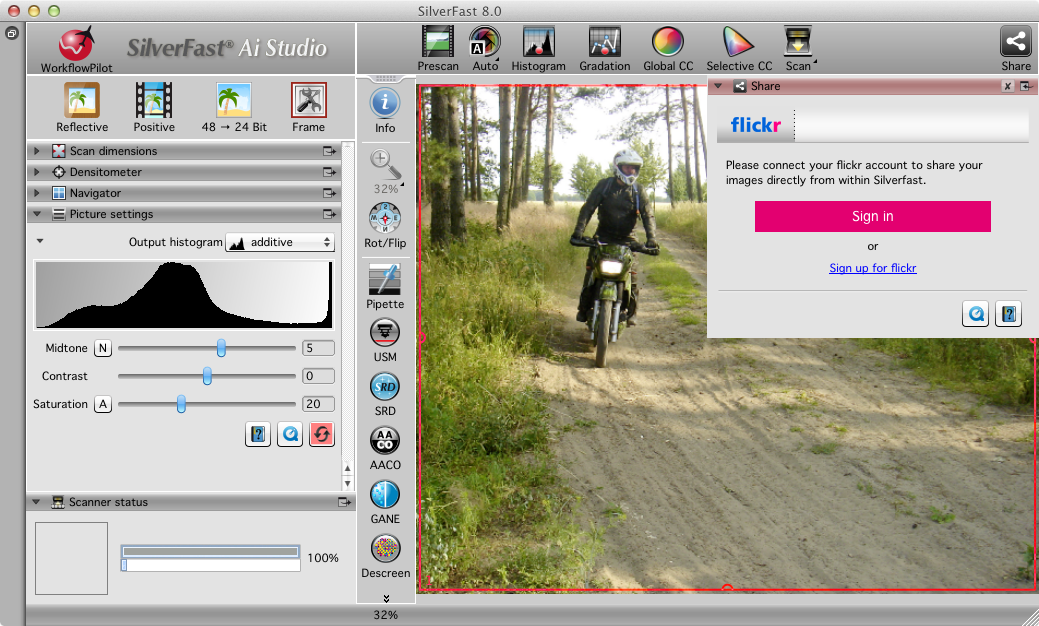
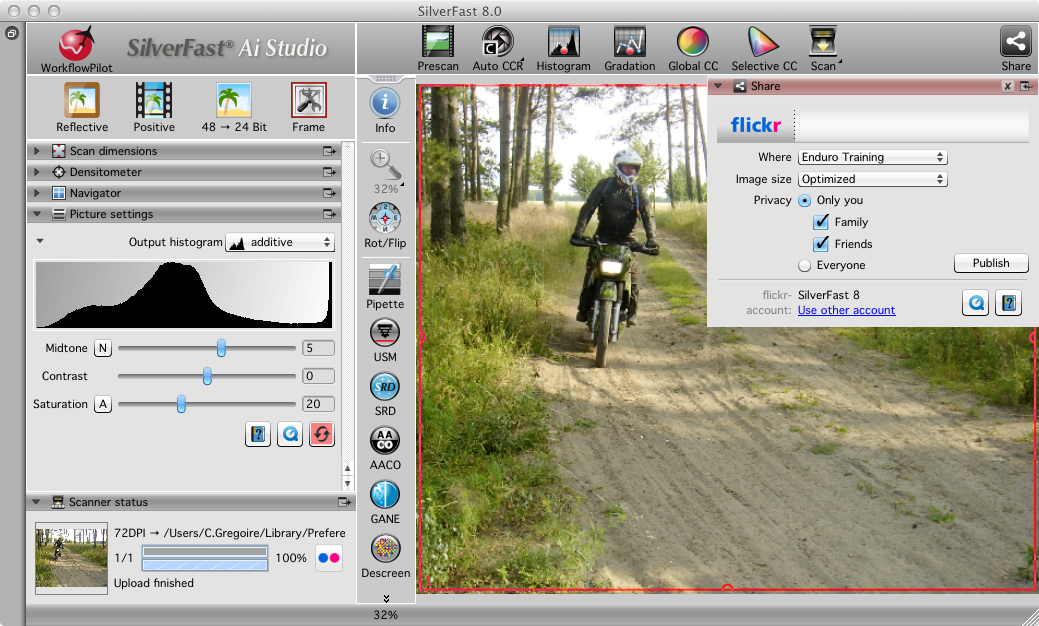
The "Image to Web" feature allows you to publish your images directly to some selected web services without having to save them on your hard drive after scanning or SilverFast HDR processing. SilverFast supports Flickr, Facebook and Dropbox.
Upload to Flickr Using SilverFast, you can directly upload your images from your scanner to Flickr. Flickr is a web portal allowing its users to upload digital and digitized images to the Flickr website, to comment on uploaded images and to make them available to other users ("to share them"). In order to publish your own images on Flickr, you will need a user account, which you can register on Flickr‘s website for free. Upload to Facebook Each Facebook user has a profile page on which he can introduce himself and can upload photos or videos. On profile's pin board visitors can leave publicly visible messages or post comments about contributions of the profile owner. Do you already have a Facebook account? Try connect SilverFast with Facebook and share your scanned images directly into your social network. Upload to Dropbox Load your scans to Dropbox and you have access to your images anytime and anywhere. If a file is uploaded to Dropbox, you can retrieve it from any computer connected to the Internet. Dropbox is an online data storage service, but also useful for exchanging data between different people. |
|||








|
||||||||||


