




HDR version is ideal for users who can produce RAW high bit data…, the color neg handling is very, very good. Highly recommended!


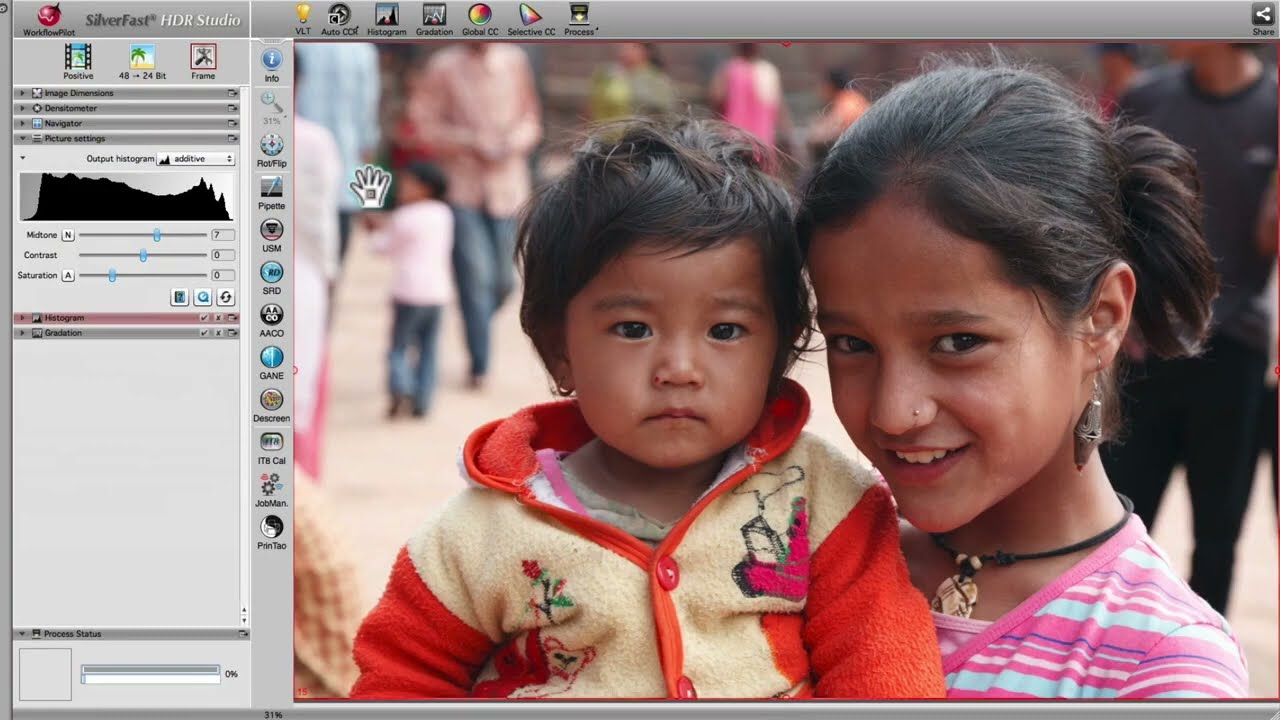
SilverFast HDR (High Dynamic Range) is our software variant for processing scanner RAW data and image data from various other sources. The functionality, adapted from our scanner software, meets highest standards and is ideally suited for image optimization.
SilverFast HDR contains excellent tools for removing color casts and defects like dust and scratches from your scanned images and from other digital images. Restore and optimize your images with full color management. Thanks to its easy handling, SilverFast HDR is a true alternative to Photoshop.
SilverFast HDR (High Dynamic Range) is also the ideal complement to SilverFast scanner software. After you have quickly scanned your images into the 64bit / 48bit HDR(i) RAW data format, which contains all the image information that can be captured, you can later efficiently optimize them with SilverFast HDR. Home users and professional photographers are using SilverFast HDR for quickly optimizing their digital image files. The WorkflowPilot, which guides through all steps of professional image editing as a valuable assistant, makes the editing of your photos to a child’s play. Benefit from our years of experience and test SilverFast HDR for free and without obligation.
SilverFast HDR is suitable for all already scanned images and for all other digital images except for proprietary RAW data formats. Download free trial software and convince yourself.



SilverFast HDR has all the functionality required for digital image processing, but no unnecessary bells and whistles. This makes SilverFast HDR an easy-to-use software that eliminates the need for Photoshop, Affinity Photo, Luminar and Photoshop Elements.
SilverFast includes a whole range of powerful features. Below you will find a list of the top highlights of this version. More information about other SilverFast features highlights can be found in our overview of all SilverFast features.
HDR version is ideal for users who can produce RAW high bit data…, the color neg handling is very, very good. Highly recommended!
We are happy to present our SilverFast guide for you to get an overview of the concept and workflow of your software.
SilverFast Scanner software and HDR software are quite similar to use. This supplemental sheet shows the differences.
Here you can ensure that your system setup meets SilverFast's minimum requirements regarding hardware and operating systems.