 English [change]
 English
 Deutsch
 Français
 Italiano
 日本語
日本語 Español
 Português
 Russian
 Chinese (Simp.)
 Czech
Czech Polish (Store only)

|
||||
|
SilverFast - Intelligent Auto Adjust
|
||||

 
|
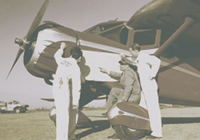
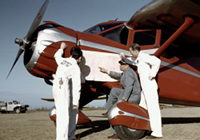
The image Auto Adjust functionality is one of the most useful SilverFast tools. With a single click the image is automatically optimized in terms of highlights, shadows and mid-tones. Even color casts are removed automatically. This easy to use image correction can be viewed as a good base optimization for all further processing steps.
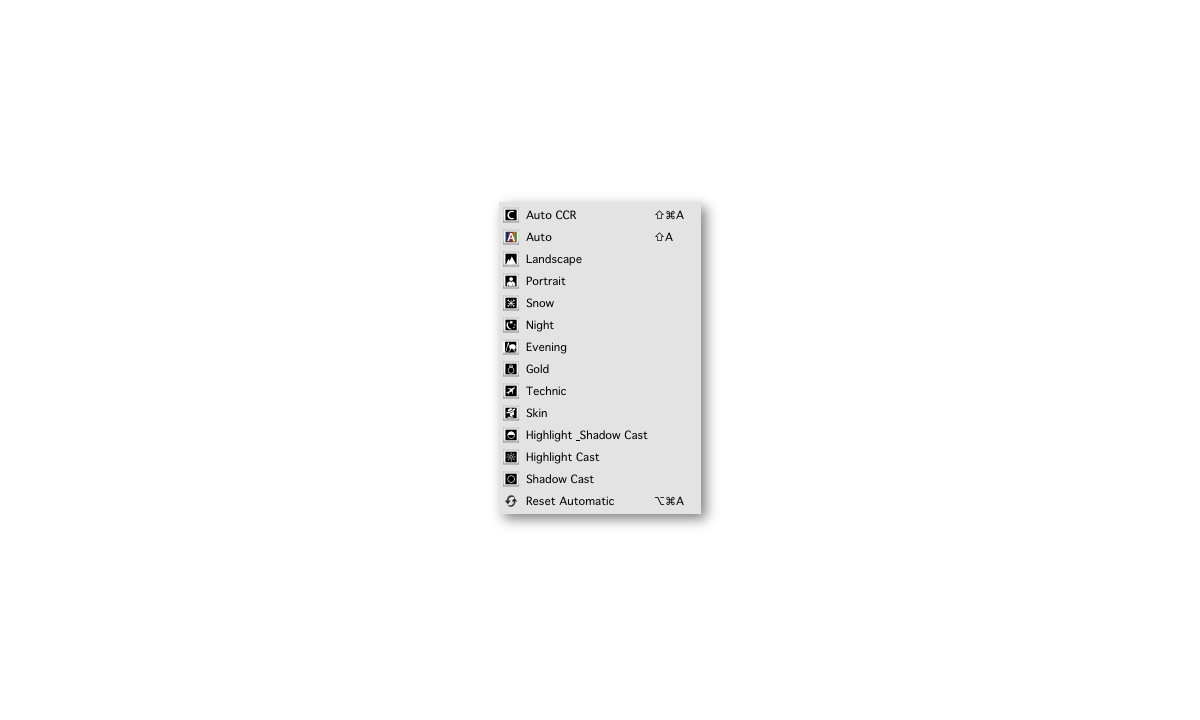
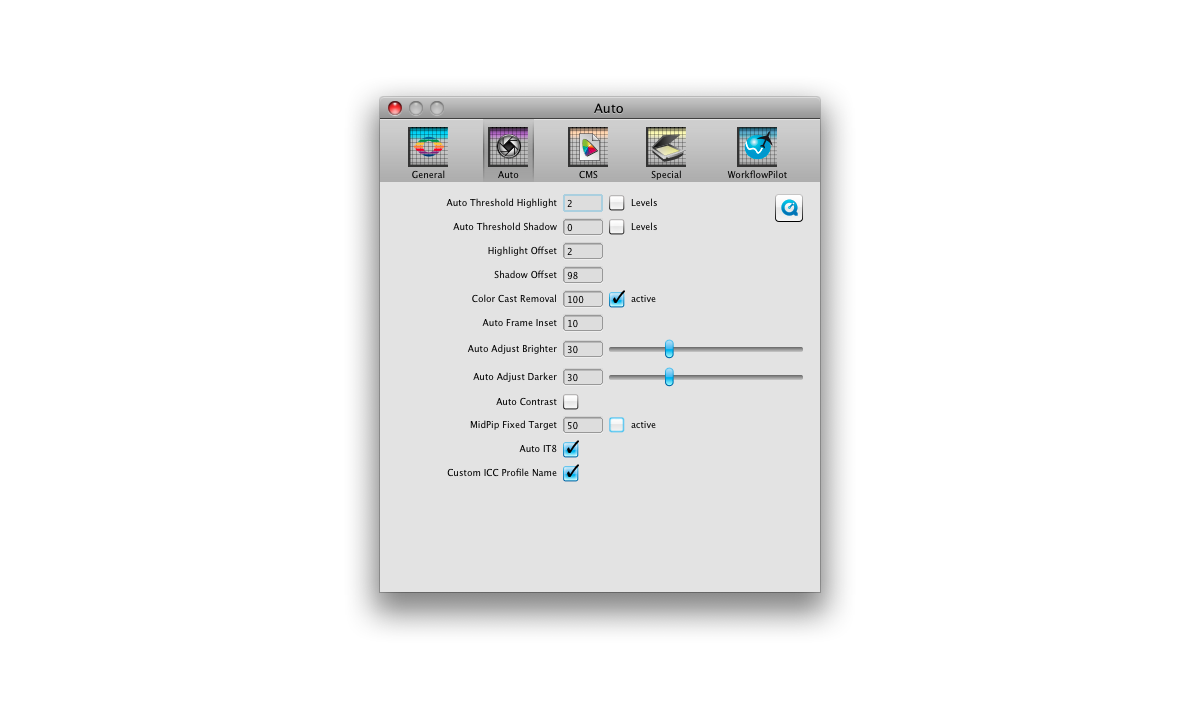
Image Auto Adjust in SilverFast SE and SE Plus Before applying the SilverFast Auto Adjust it can be set to the respective image type or special conditions under which it was taken. Therefore, a list offers a range of choices such as 'Landscape', 'Portrait', 'Evening' and 'Snow'. A photograph that was taken at sunset should retain the reddish tint which comes from the long-wavelength sunlight. Nevertheless, highlights, shadows and mid-tones should be optimized. After a suiting Auto Adjust type has been chosen and executed, the user can go on to fine-tune histogram and gradation curve on the basis of this first optimization.
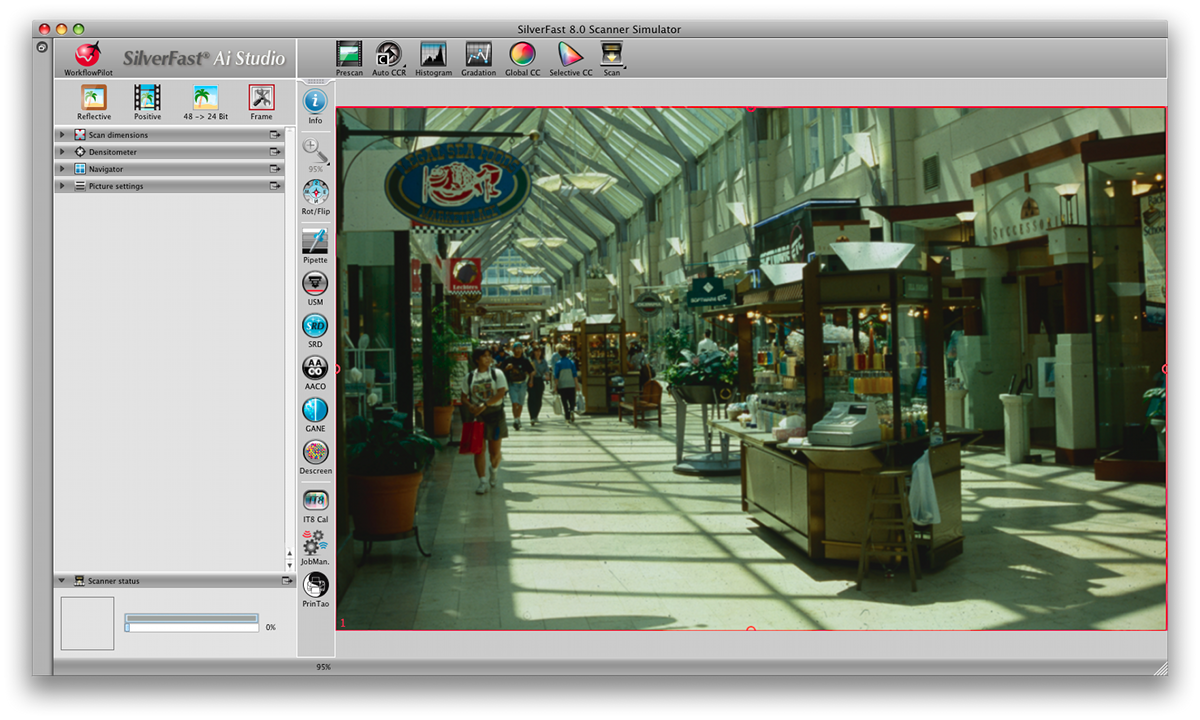
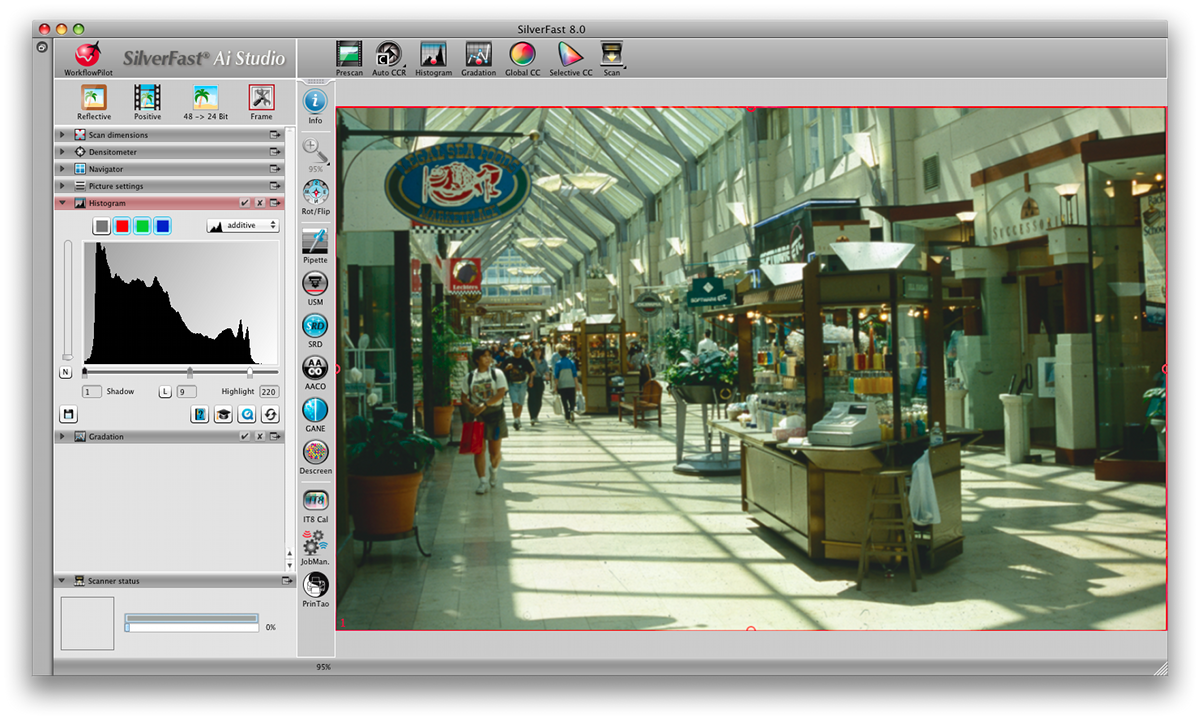
Image Auto Adjust in SilverFast Ai Studio In SilverFast Ai Studio, the Image Auto Adjust is as easily to use as in SilverFast SE - one click, and the optimization is performed automatically. In addition, it is possible to configure Auto Adjust individually, this for example can be the very accurate setting of thresholds for black point and white point.
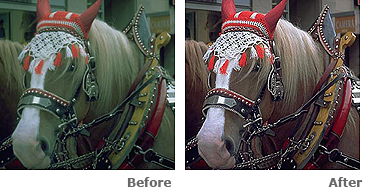
|
|||
 « LaserSoft Imaging's SilverFast SE is well suited as the primary software for digitizing photos, […] It offers a variety of settings and outstanding image automatics for color optimization and image correction. »
FotoHits
|
||||


|
||||||||||


