 English [change]
 English
 Deutsch
 Français
 Italiano
 日本語
日本語 Español
 Português
 Russian
 Chinese (Simp.)
 Czech
Czech Polish (Store only)
4
SilverFast
®
Manual
7. · IT8 calibration
IT8 calibration button, will open the
IT8 dialogue. IT8 button coloured = calibra-
tion is active. IT8 button grey = calibration is
disabled. The IT8 button is NOT visible
when this function is not acti- vated in the software! 7.2 Calibration of your Scanner
using SilverFast IT8 Calibration
SilverFastAi for some high-end devices features a professional tool
for calibration and generation of input ICC profiles. The calibration can be made for reflective and transparency positive originals. The calibration is NOT applicable to negative originals. The IT8 calibration is an additional function in the SilverFast soft- ware. It is usually an option to the software and therefore has to be activated separately. In certain SilverFast versions - for selected scanners - this function is active by default. In cases where this function must be activated separately, a second CD Rom is required for this procedure - the "SilverFast Feature-CD". The separate activation procedure is described in chapter "SilverFast Feature-CD". SilverFast has made the process of IT8 calibration very convenient all steps are performed automatically by the software, just follow the instructions outlined below. 1. Position the IT8 Reference Chart on your Scanner Bed.
Make sure that the original is positioned inside the scan area of
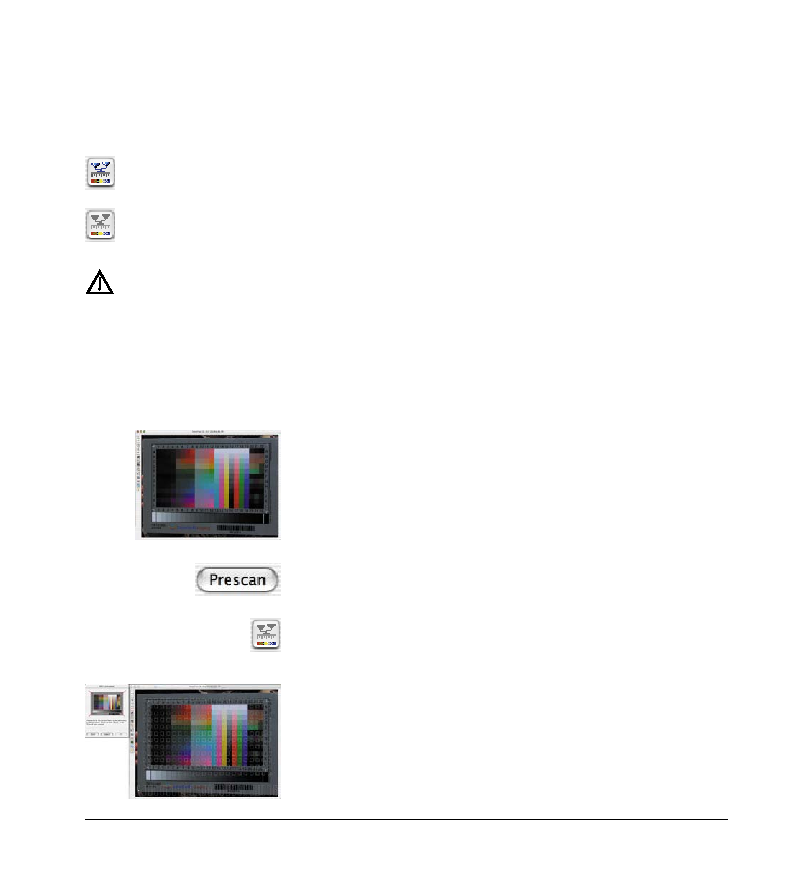
the scan bed. Avoid positioning on areas at the rim of the scan- ner bed, with some scanners this areas must be kept clear for hardware calibration. The orientation of the IT8 target should be as shown on the left. 2. Click "Prescan" (the Scanner performs a Prescan).
3. Click the button "Calibration"
4. The Window "IT8 Calibration" pops up
The preview window and the grid will open.
|